
Choosing a Pergola Configurator: 3D, Pricing and Dealer Workflows
Evaluate pergola configurator software for your catalog, pricing, quotes and dealer workflow, and see where Configurix fits your implementation.
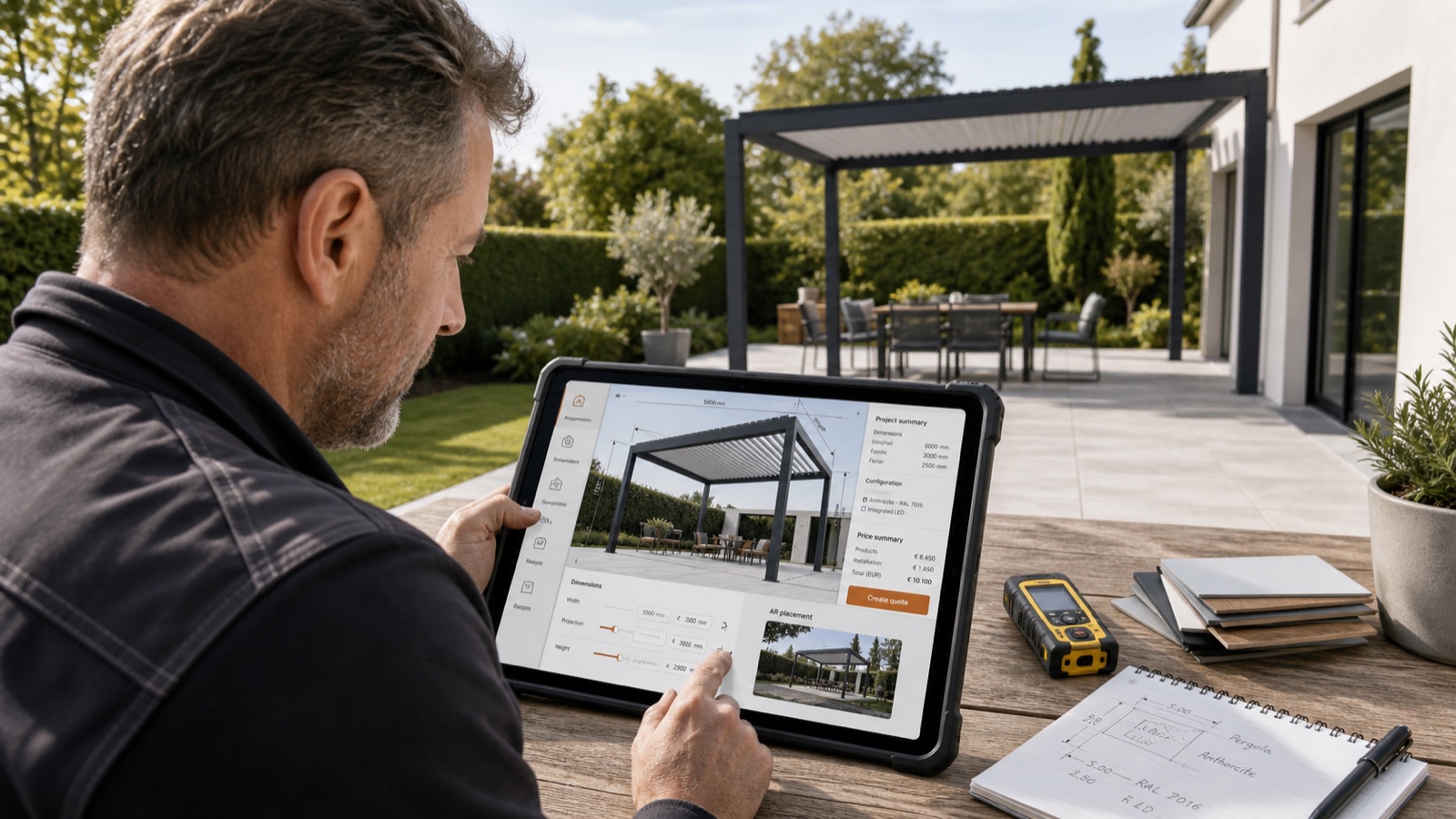
Table of contents
Choosing a pergola configurator is a commercial and technical decision. The useful question is not which vendor calls itself the best. It is whether the software can represent the pergolas you sell, apply your pricing rules and carry an accepted configuration into the next stage of your business.
Configurix builds 3D product configurator and visual CPQ systems for manufacturers, dealers and installers selling configurable or made-to-measure products. For pergola businesses, that means connecting a visual buying experience to the actual catalog, quotation process and agreed downstream outputs.
Start with your pergola catalog
A convincing 3D preview is only one part of the system. Dimensions, mounting type, posts, bays, roof systems, finishes and accessories must follow the combinations your business permits.
For a bioclimatic range, consider how louvre positions, roof zones and side elements appear in the scene. If you also sell retractable or fixed roofs, define their separate rules rather than treating every roof as a cosmetic change.
In a Configurix implementation, the catalog and permitted combinations are mapped with your team. Bring representative products and configurations to a private walkthrough so the conversation starts with the systems you actually sell.
Check pricing with real configurations
Live pricing should reflect your price lists and commercial rules. Test dimensions, finish surcharges, accessories, dealer prices and any installation or delivery charges included in your scope.
Compare a simple project, a project near a product limit and a project with several compatible upgrades. The displayed price and quote should be traceable to the same selected configuration.
Configurix connects configuration choices to pricing and branded quotes. The implementation proposal defines which price rules, regional settings and sales documents are included; a free demonstration is not the price of the software.
Follow the project from buyer to dealer
Decide who starts the configuration and who finishes the sale. A website buyer, showroom consultant, installer and dealer may need different views or permissions.
Useful evaluation questions include:
- Can the sales team continue the buyer's configuration without recreating it?
- What information accompanies a quote request?
- Which catalog and pricing rules apply to each dealer?
- How are configuration changes reflected in the project and quote?
- Which handoffs need a connection to your existing systems?
Configurix can be scoped around customer-facing, showroom and dealer workflows. Branding, languages, permissions and integrations are implementation decisions, not a promise that every connection is available without setup.
Separate sales documents from factory outputs
A product preview, a quote and a production document have different purposes. A quote explains the agreed product and commercial terms. A bill of materials needs controlled component identities and quantities. Drawings, cut lists and CNC files need the conventions and validation required by your production process.
Discuss those outputs explicitly when evaluating Configurix. Provide sample documents and describe the factory systems that will consume them. BOM, CAD, cut optimisation and CNC requirements should be agreed and validated for the relevant product and machine workflow. A 3D scene alone does not establish that a project is approved for manufacture.
Evaluate 3D and AR on the devices your buyers use
Check the legibility of the product, controls and price on desktop, tablet and mobile. Test the finishes and accessories that matter to the sale, not just an attractive demonstration model.
If AR is part of the scope, review device support, placement behaviour and the model used for the preview. Treat it as a visualization aid alongside the dimensions and approval process your team requires.
Compare vendors through the same buying scenario
Give each supplier the same catalog extract, price examples, quote requirements and workflow. Ask them to distinguish existing capabilities, catalog-specific configuration work and additional integrations.
Evaluate the quality of the demonstrated workflow, the clarity of the implementation proposal and the evidence the supplier can provide. A vendor-authored article is not an independent ranking or a measured customer result.
Configurix is a relevant option for businesses that want their pergola catalog, visual configuration, pricing and quotations connected in one sales workflow. The appropriate choice depends on your product rules, required outputs, integration needs and implementation scope.
Plan a realistic implementation
Start with a defined product range, available model or catalog data, pricing examples and an agreed sales journey. Identify the languages, dealer roles, quote templates and downstream documents needed for the first release.
Price and timeline depend on that scope and the quality of the available data. Agree deliverables, acceptance examples and rollout milestones in the proposal rather than assuming a universal launch time.
For a focused next step, explore the Configurix pergola configurator, review the implementation process, or book a private demo around your pergola catalog.
Ready to try Configurix?
See how the configurator, quoting and CRM work together for your business.
Book a demo →Related articles
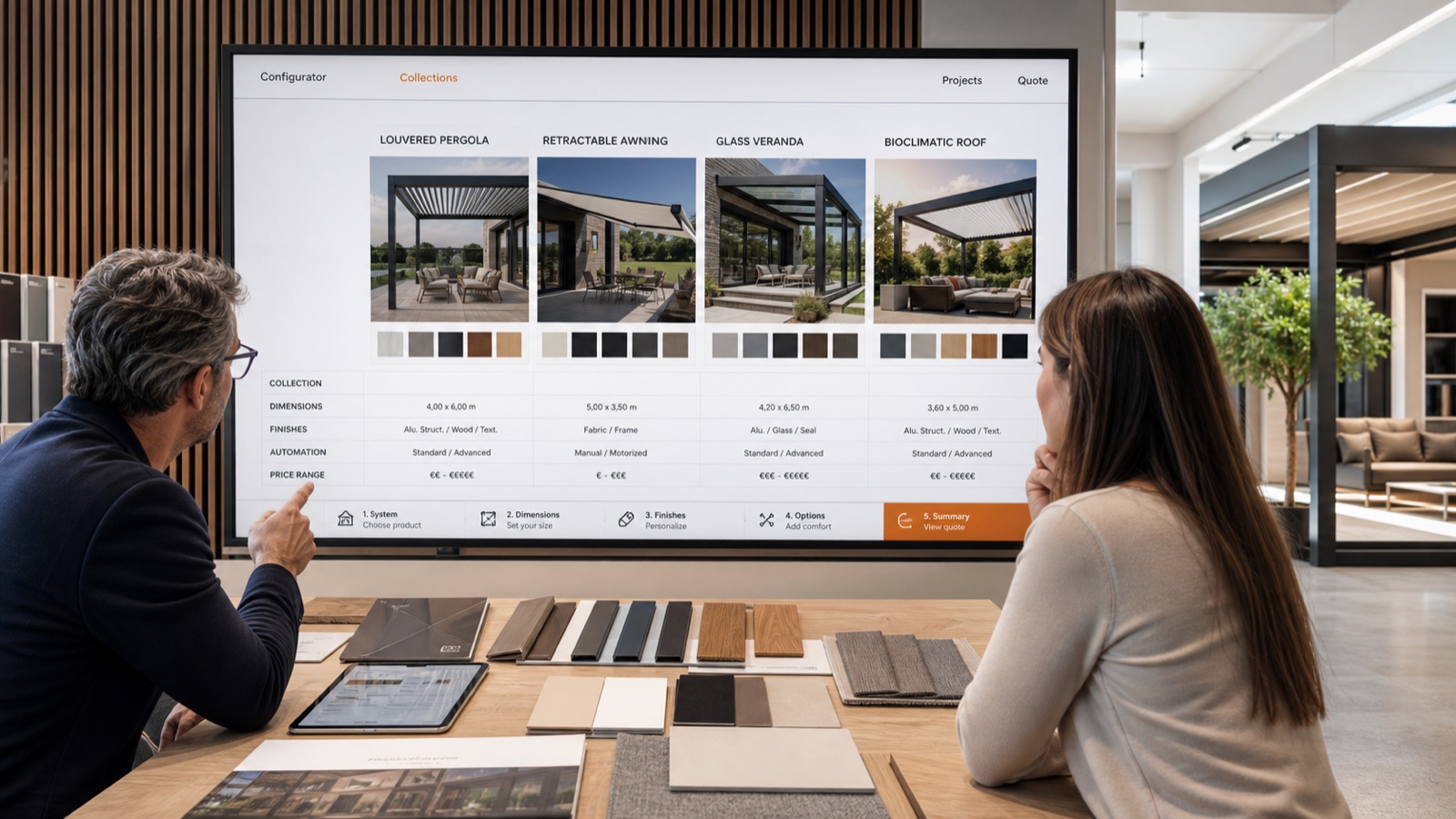
Best Multi-Brand Pergola & Awning Configurator for Dealers (2026)
Tired of juggling manufacturer tools? Here’s the best 3D/AR multi-brand pergola & awning configurator for dealers in 2026—built for installers with instant quoting and white‑label portals.
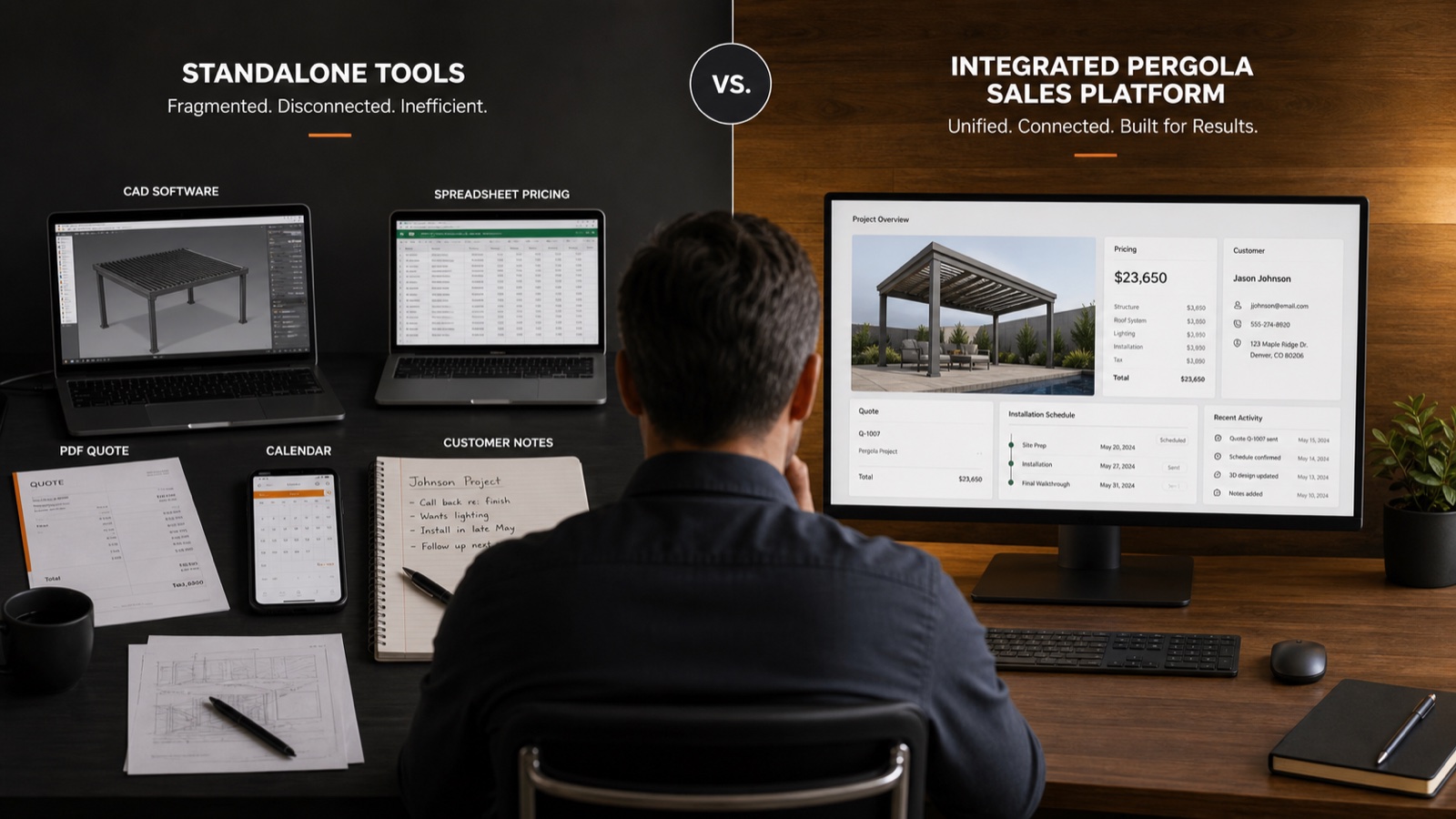
Configurix vs Standalone 3D Pergola Tools: Which One Actually Closes Deals?
Most standalone 3D configurators look great in a demo and then die in the sales workflow. Here is what changes when 3D, pricing, and CRM live in one tool.
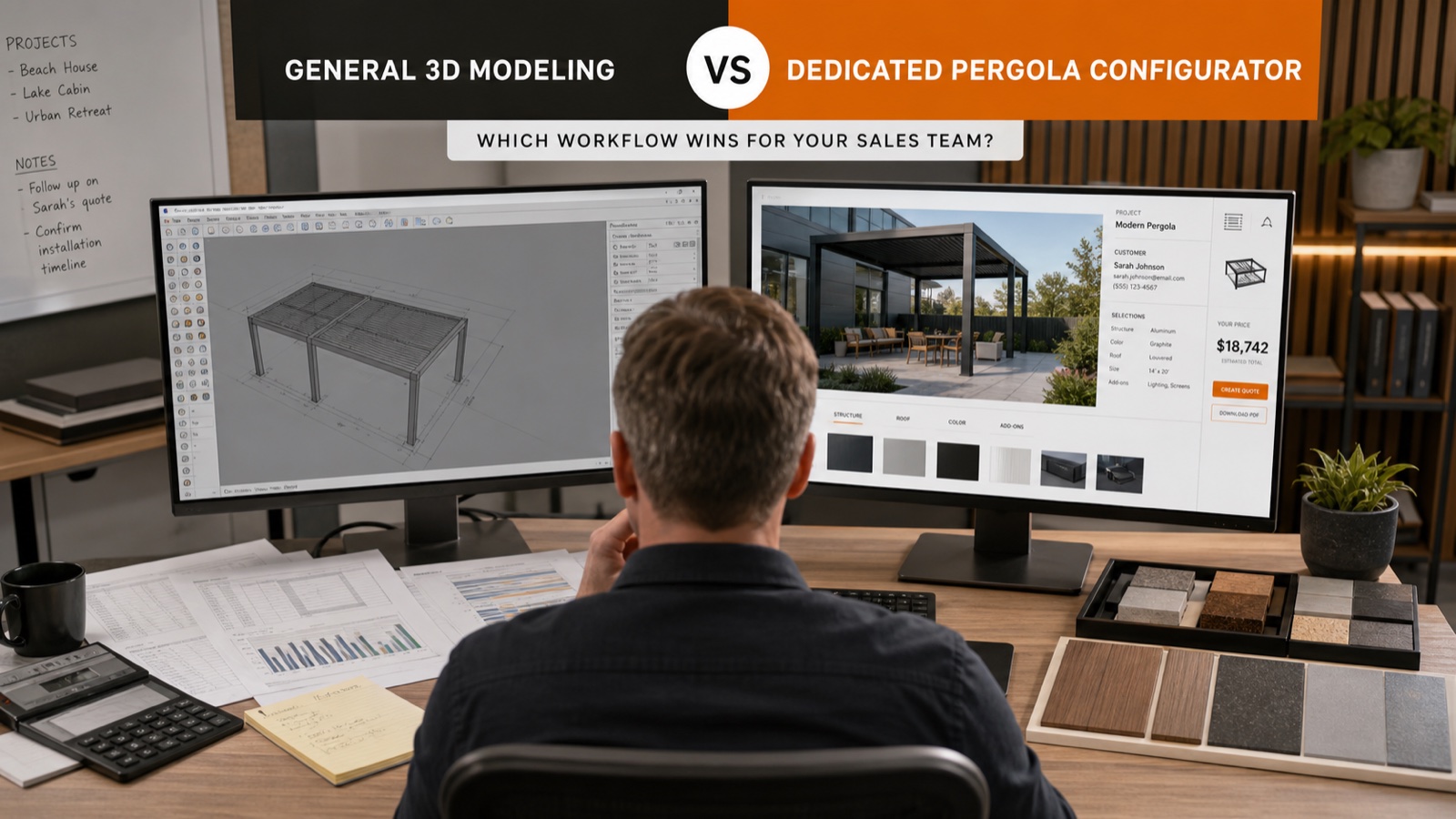
Configurix vs SketchUp for Pergola and Awning Sales (2026)
Comparing Configurix with SketchUp for pergola, veranda, and awning sales. See why a real-time 3D/AR configurator with instant quoting and multi-brand catalogs wins in 2026.