
Move a pergola consultation toward an accepted quote
Use Configurix to connect a pergola consultation, product choices, pricing and a clear next step without promising a one-visit sale.

Table of contents
A productive pergola consultation gives the buyer a clear proposal and gives your team a clear next action. Some projects can progress quickly; others need measurements, technical review or time for the customer to decide. Software should support that decision rather than assume every visit ends in an order.
Prepare the information needed to quote
Before the consultation, establish which product range, price list and permitted combinations apply. Gather the buyer's intended use, approximate dimensions and site questions. Identify anything that requires a survey or manufacturer approval.
When the brief is incomplete, make the missing decision explicit. A fast estimate without a defined scope can create another round of clarification later.
Build the proposal with the buyer
In Configurix, a pergola configuration can connect dimensions, roof choice, finish and compatible accessories with a 3D view and pricing. Use that connection to explain the selected product and compare meaningful alternatives.
Discuss what is included in the displayed price. Delivery, installation, taxes and site-specific work should follow the commercial rules agreed for the implementation. Save the selected configuration so a colleague can continue it without recreating the choices.
Review the quote before requesting acceptance
Check that the quote describes the same dimensions, product system and options shown in the configuration. Confirm item identifiers, quantities and revisions where the workflow requires them. Explain offer validity, exclusions and the next approval step using your business's terms.
The customer should understand:
- Which product and options the quotation includes.
- Which site information or approvals remain outstanding.
- How a revision will be handled.
- What happens after acceptance and who will contact them.
Follow up on the decision that remains
Assign the next action to a person: arrange a survey, answer a product question, issue a revision or record acceptance. Automated reminders can support this process when configured; they do not replace a relevant response to the buyer.
Review quote turnaround and follow-up completion alongside qualified enquiry and order data. Do not attribute a change in close rate to software without considering traffic quality, product mix and the sales process.
Use the pergola quoting guide to define the full workflow, or book a private Configurix consultation around your current sales process.
Ready to try Configurix?
See how the configurator, quoting and CRM work together for your business.
Book a demo →Related articles
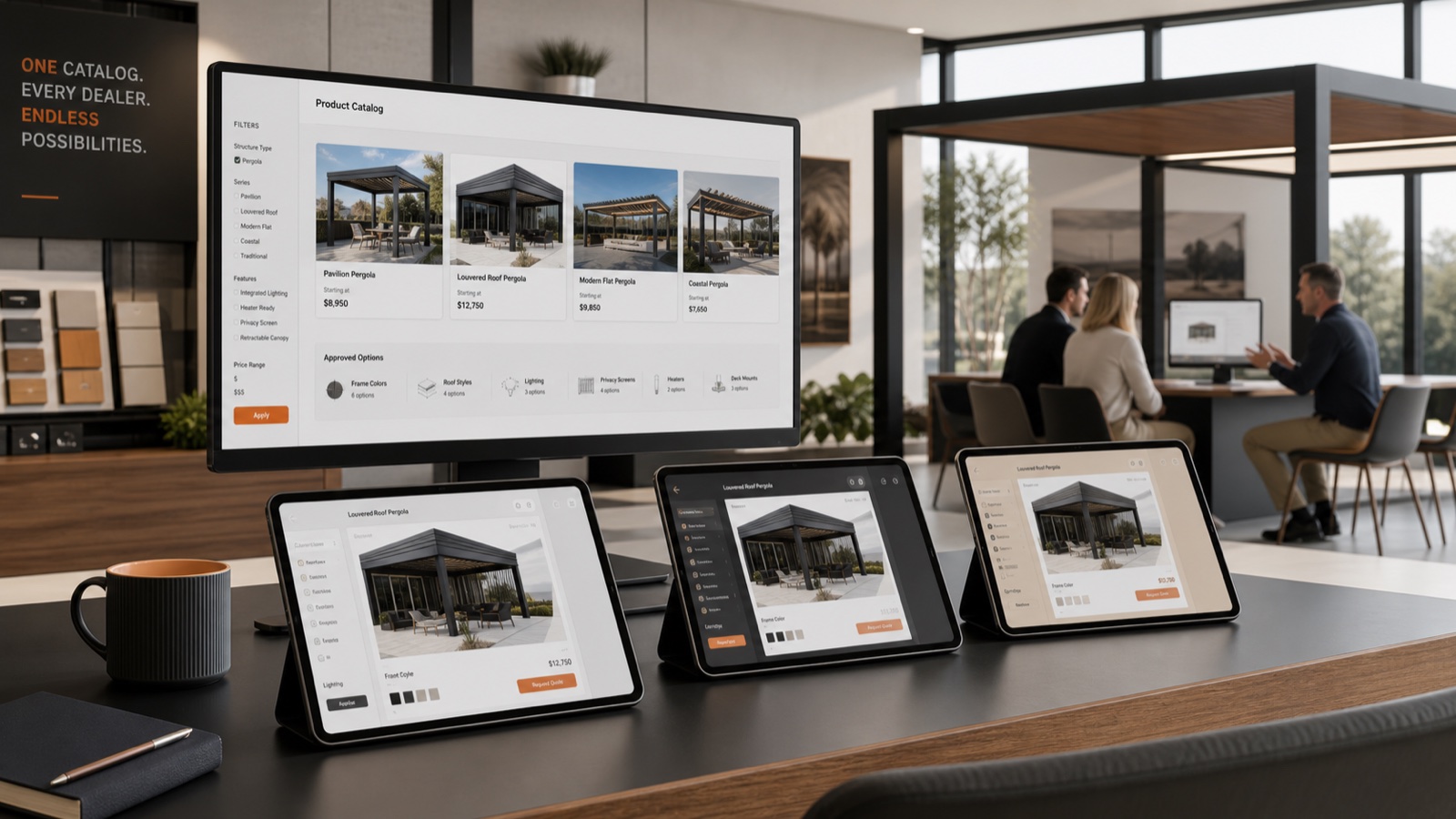
Scale Dealer Sales with White-Label 3D Configurators & Branded Quotes
How manufacturers of pergolas, awnings and outdoor products scale dealer sales with a white‑label 3D configurator that delivers AR previews, instant branded-PDF quotes, e-signatures and scheduled installs in one platform.

Stop Field Rework: AR Quotes & Digital Contracts for Installs
Cut site rework and cancellations by combining real‑time 3D/AR previews, instant branded PDF quotes and digital signing. See an end‑to‑end Configurix workflow from lead to scheduled install.
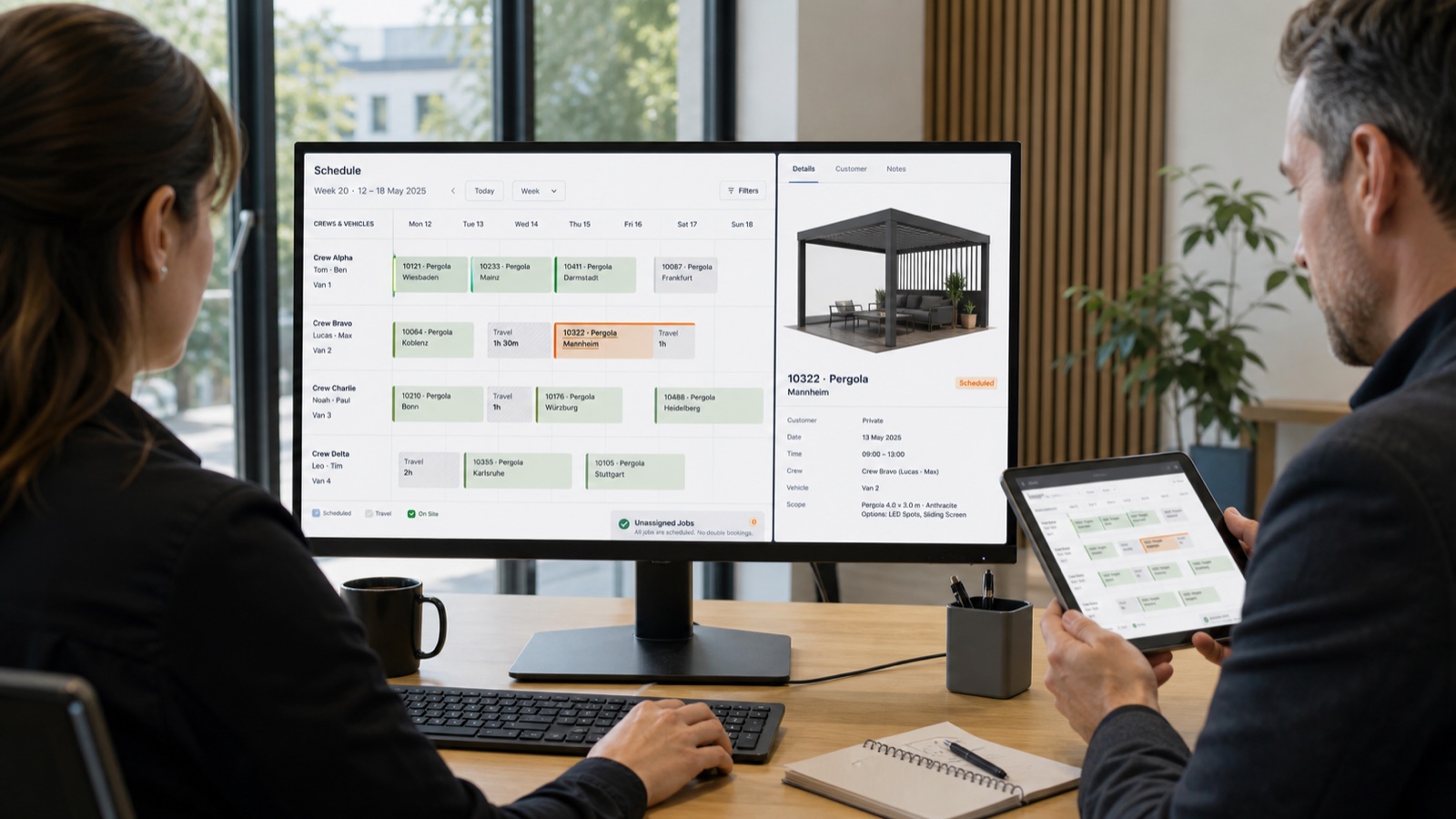
Cut Double-Booking with a 3D Configurator + Shared Calendar
How a single platform that links real‑time 3D/AR configurators, instant branded quotes and a shared calendar eliminates double‑booking, speeds installs and stops rework for pergola and awning teams.
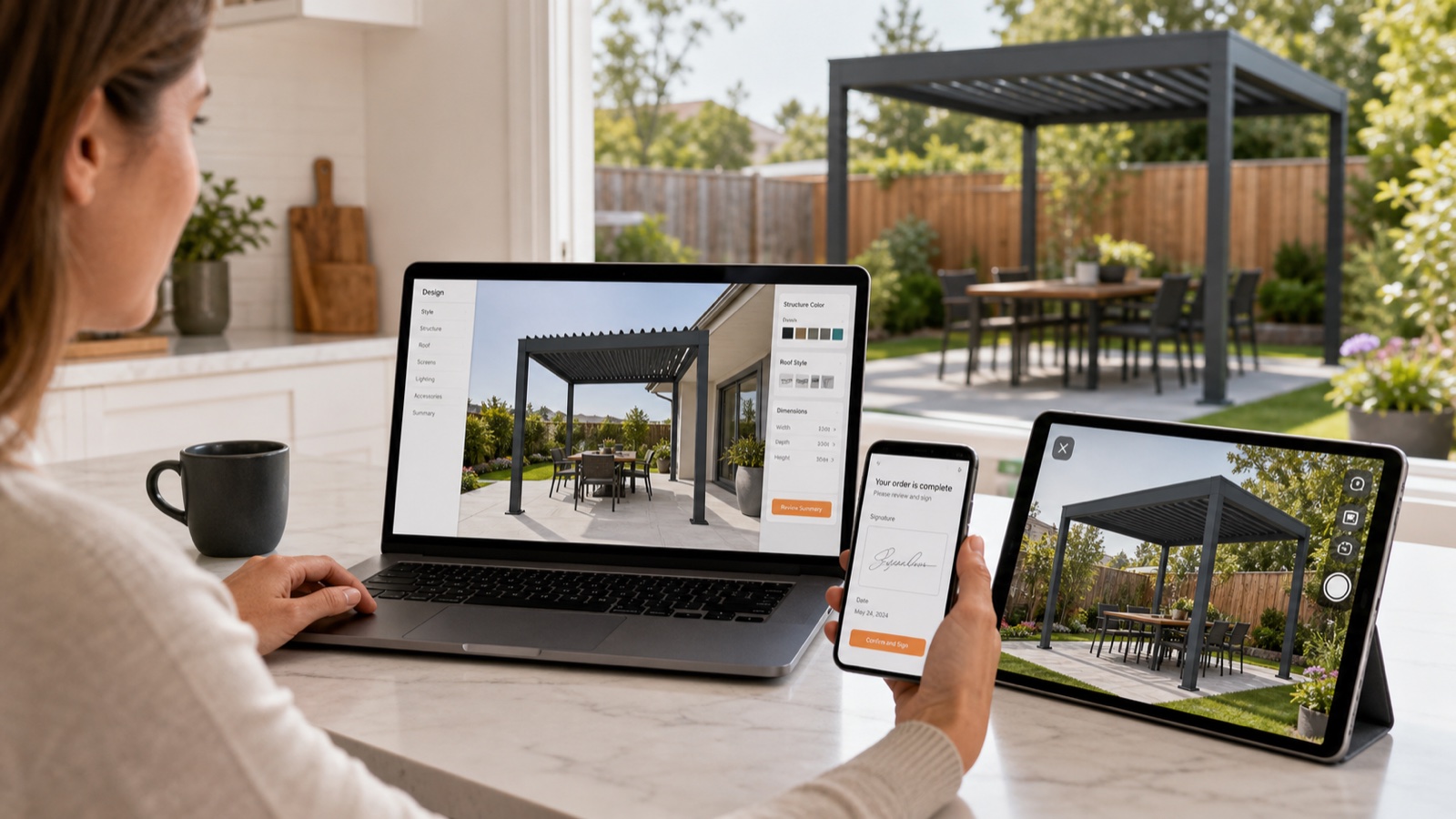
Convert Website Visitors to Signed Pergola Contracts with AR
Turn anonymous website visitors into signed pergola and awning contracts: an end-to-end workflow using an embeddable AR + 3D configurator, instant branded PDFs, e-sign and scheduling in one platform.