
Build a complete pergola quote: site, options and pricing
A practical pergola quotation checklist covering mounting, roof systems, accessories, installation scope and itemised Configurix quotes.
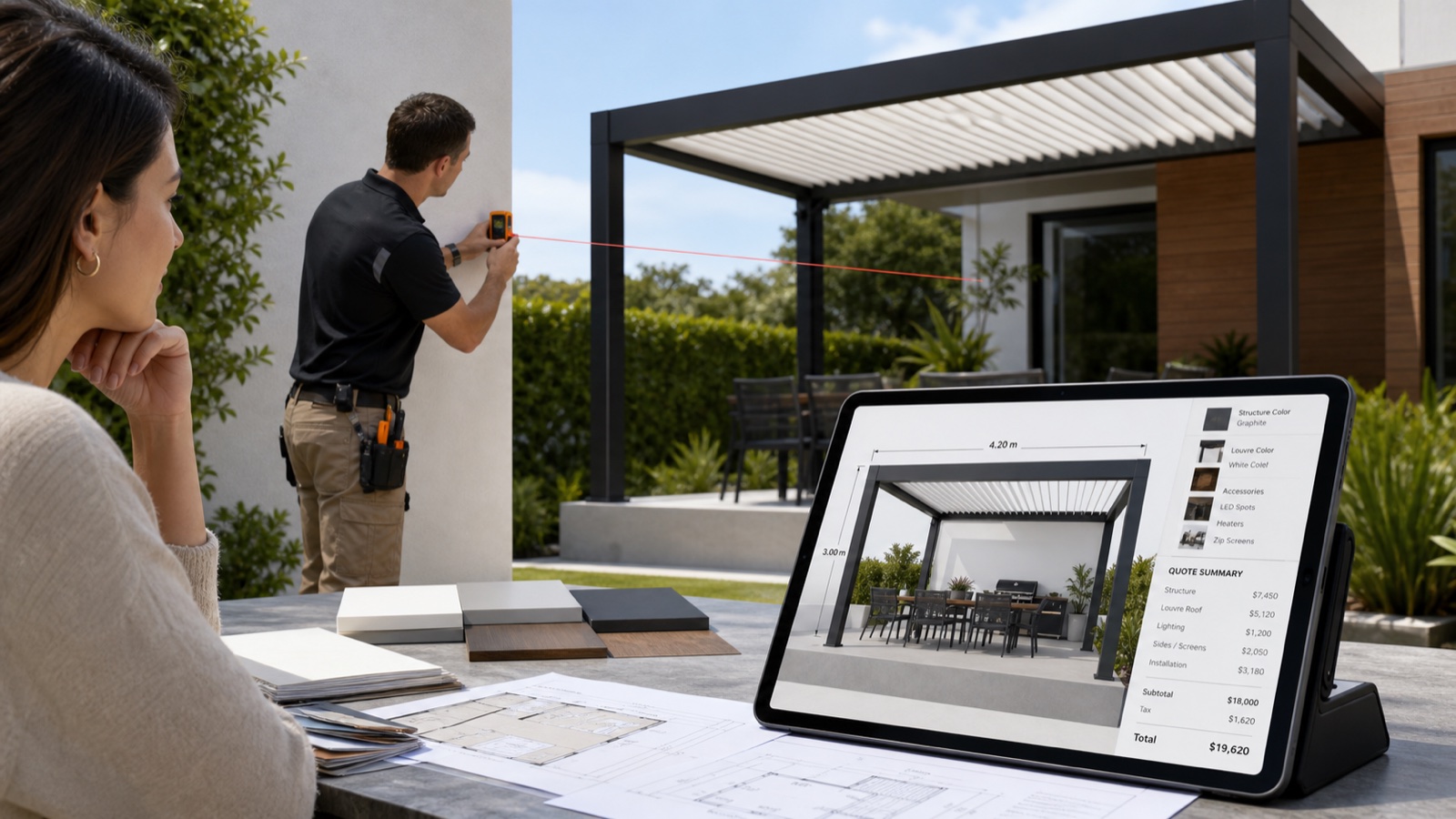
Table of contents
A useful pergola quote tells the buyer what is included and gives your team enough information to continue the project. The base model and overall size are only the beginning: mounting, side elements, controls and installation work can change both the product and its selling price.
Capture the product and site separately
Record the product family, width, projection, height, mounting arrangement and finish. Keep the site address, access conditions, existing surfaces and survey questions alongside those choices rather than hiding them in an unstructured email.
Where measurements or approvals remain outstanding, identify the responsible person and the decision needed before the project can proceed. A visual preview helps explain the proposal; it does not replace the site review.
Check the options that change the price
Use your manufacturer's permitted combinations and price list to check:
- Roof system, roof zones, motors, controls and sensors.
- Posts, brackets, mounting components and drainage.
- Glass walls, ZIP screens, fabric and opening arrangements.
- Lighting, heating, electrical work and compatible accessories.
- Delivery, lifting, installation and removal of existing equipment.
- Taxes, payment terms and any exclusions in the quoted scope.
Some charges belong to the product catalog; others require a site-specific estimate. Keep that distinction visible to sales and the buyer.
Connect the selected product to the quotation
With Configurix, product choices can drive the 3D preview, pricing and branded quote in one workflow. The implementation defines the available catalog, price rules and document fields.
Check a representative quote line by line against the accepted configuration. Confirm dimensions, finish, accessories, quantities and item identifiers where required. When a buyer changes an option, issue a clearly identified revision rather than mixing an old document with a new configuration.
Give the buyer a clear next step
Explain the scope, the decisions still required and the validity of the offer. Agree whether the next step is a survey, technical review, revised proposal or acceptance. The contractual status of a quotation follows your approved terms and process, not the speed at which a PDF is generated.
For the complete sequence, use the seven-step pergola quoting guide. See how Configurix connects pergola configuration and quotes, then bring a current quotation to a private demo.
Ready to try Configurix?
See how the configurator, quoting and CRM work together for your business.
Book a demo →Related articles
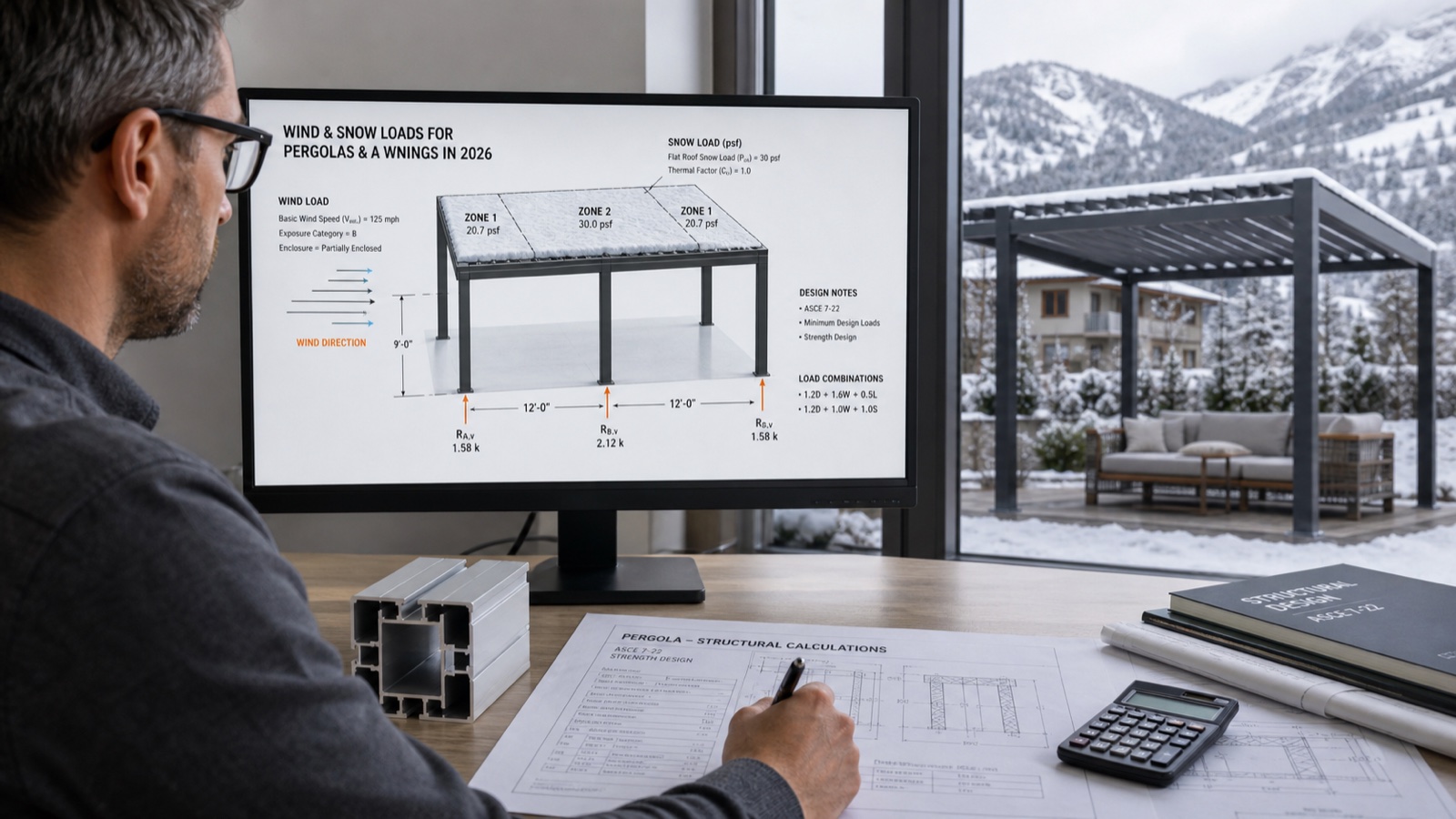
Wind & Snow Loads for Pergolas and Awnings: 2026 Installer Guide
What wind and snow loads should your pergolas, verandas and awnings meet in 2026? A practical guide to EN 13561 classes and Eurocode actions—plus a faster, safer quoting workflow with 3D/AR.

Measure pergola quoting efficiency with a 3D configurator
Measure quote turnaround, revisions and dealer adoption against your own baseline when introducing Configurix for pergola sales.
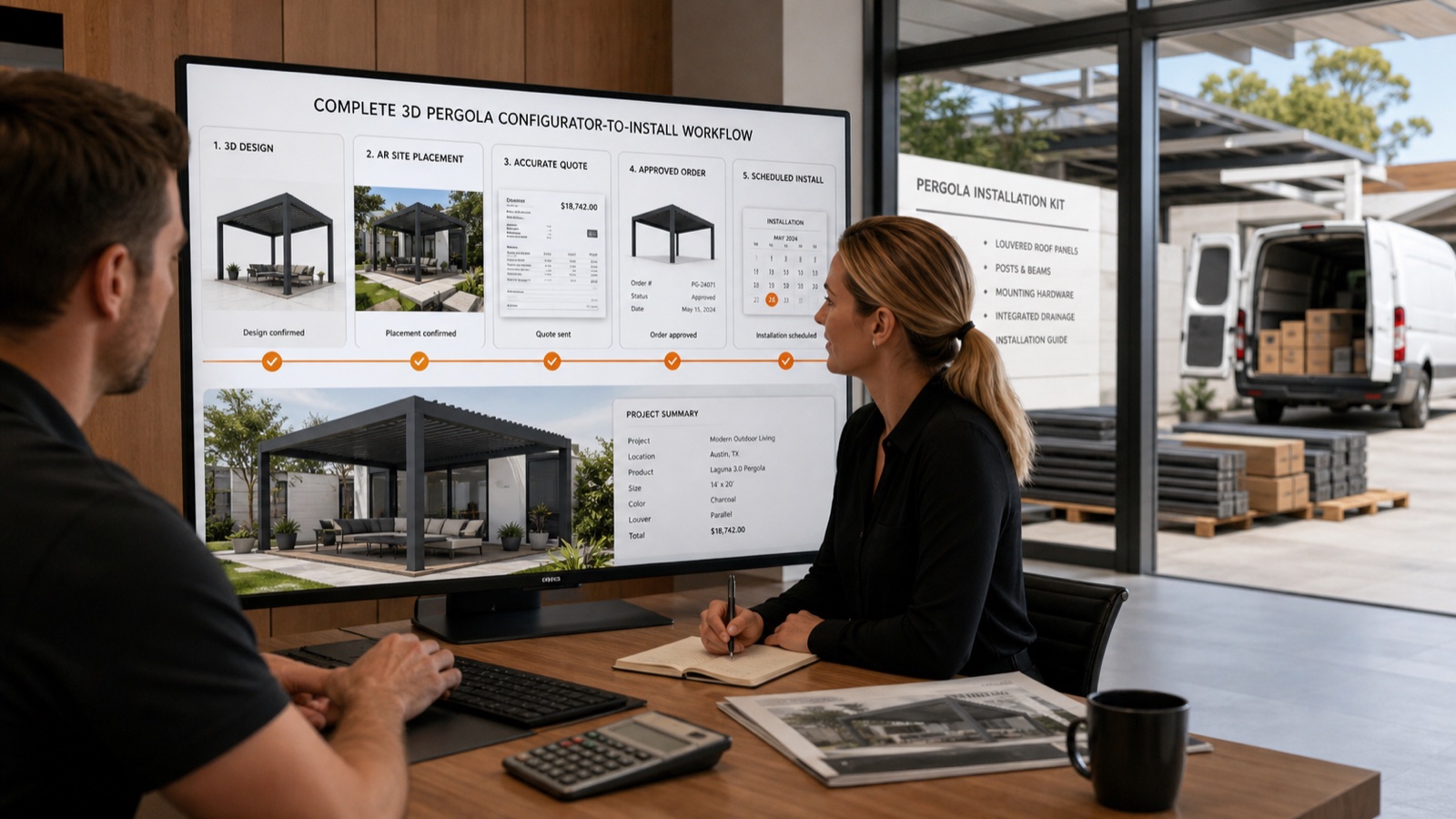
Instant 3D-to-Install Workflow: AR Preview, Branded PDFs & Scheduling
Turn a lead into a signed install in hours—not days. This guide shows outdoor-product installers how Configurix uses real-time 3D + AR, automatic pricing and branded PDF quotes to close pergola, awning and AC jobs end-to-end.

Parametric Configurators: Eliminating BOM Errors from Quote to Factory
How parametric configurators turn pergola, veranda and awning quotes into factory-ready BOMs — reducing errors, rework and lead time. Learn the workflow, metrics, and why Configurix is purpose-built to deliver it.