
Measure pergola quoting efficiency with a 3D configurator
Measure quote turnaround, revisions and dealer adoption against your own baseline when introducing Configurix for pergola sales.

Table of contents
A pergola configurator should make work easier to complete, not just make a sales presentation more attractive. For manufacturers and dealer networks, the useful question is where the quotation process currently loses time and whether the configured product can carry its information into the next step.
Configurix connects permitted product choices, interactive 3D, pricing and branded quotations. Evaluate that connection using your catalog and existing quotes rather than assuming a universal conversion improvement.
Find the handoffs that cause repeated work
Follow a recent enquiry from the first conversation to the issued quote. Record who collected the dimensions, checked the roof and side-element combination, calculated the price and prepared the document. Note where information was copied, requested again or returned for correction.
Separate time spent actively preparing a quote from time spent waiting for someone else's response. A rules-based price can address one bottleneck; missing site information or an engineering approval needs a different solution.
Establish a useful baseline
Choose comparable projects from the same product range and sales channel. Measure:
- Elapsed time from a complete brief to an issued quote.
- Staff time spent preparing and revising the quote.
- Revisions caused by missing options, dimensions or prices.
- Enquiries with enough product information for a sales response.
- Dealer usage and the reasons a configuration is abandoned.
Keep traffic source, product complexity and the measurement period alongside the figures. Do not confuse more website enquiries with more qualified opportunities.
Test the workflow with your product
In a private Configurix demonstration, bring a straightforward pergola, a configuration near a permitted size limit and a project with compatible upgrades. Check that the selected dimensions and options remain consistent in the price and quotation.
For a dealer workflow, test the applicable catalog and price list, saved revisions and the information sent to the factory. Define who can change a price or approve an exception.
Measure again after adoption
Use the same definitions and comparable projects after rollout. Review exceptions as well as averages: a faster quote is not useful if the team must repair it later. Sales outcomes also depend on traffic quality, offer, seasonality and follow-up.
Use the pergola quoting guide for the complete sales process. To evaluate the software connection, explore Configurix for pergolas or book a private catalog walkthrough.
Ready to try Configurix?
See how the configurator, quoting and CRM work together for your business.
Book a demo →Related articles
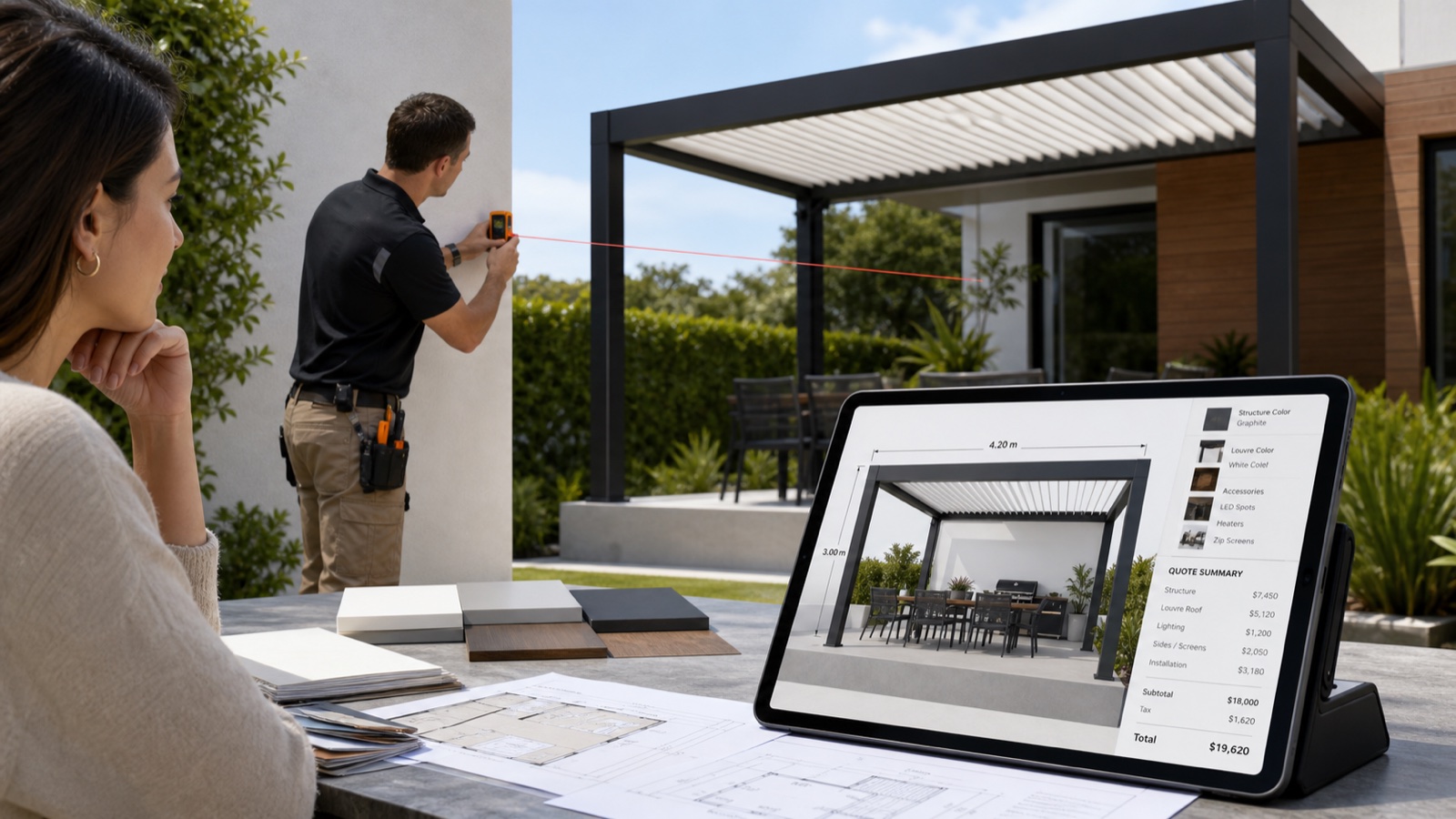
Build a complete pergola quote: site, options and pricing
A practical pergola quotation checklist covering mounting, roof systems, accessories, installation scope and itemised Configurix quotes.
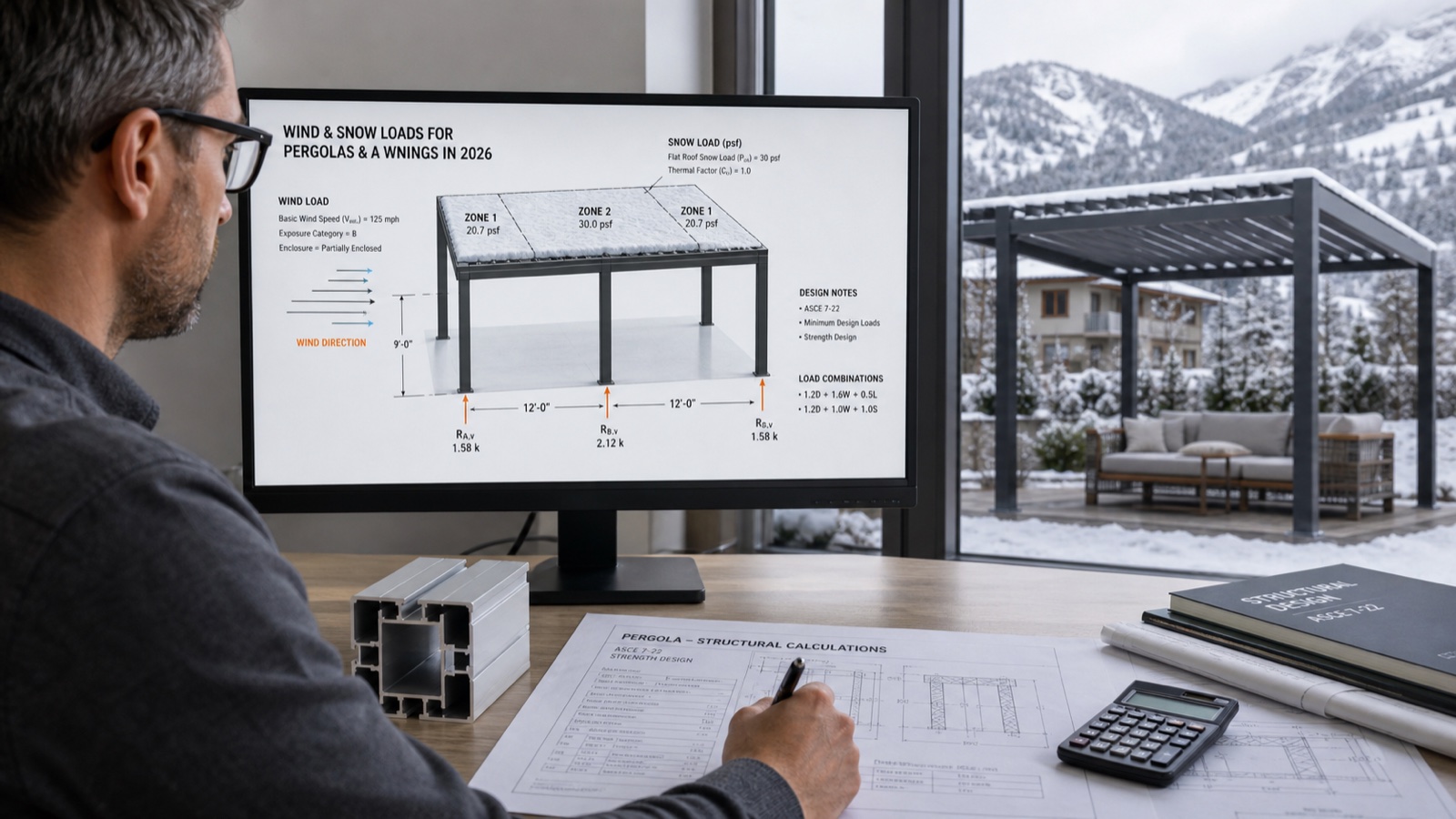
Wind & Snow Loads for Pergolas and Awnings: 2026 Installer Guide
What wind and snow loads should your pergolas, verandas and awnings meet in 2026? A practical guide to EN 13561 classes and Eurocode actions—plus a faster, safer quoting workflow with 3D/AR.
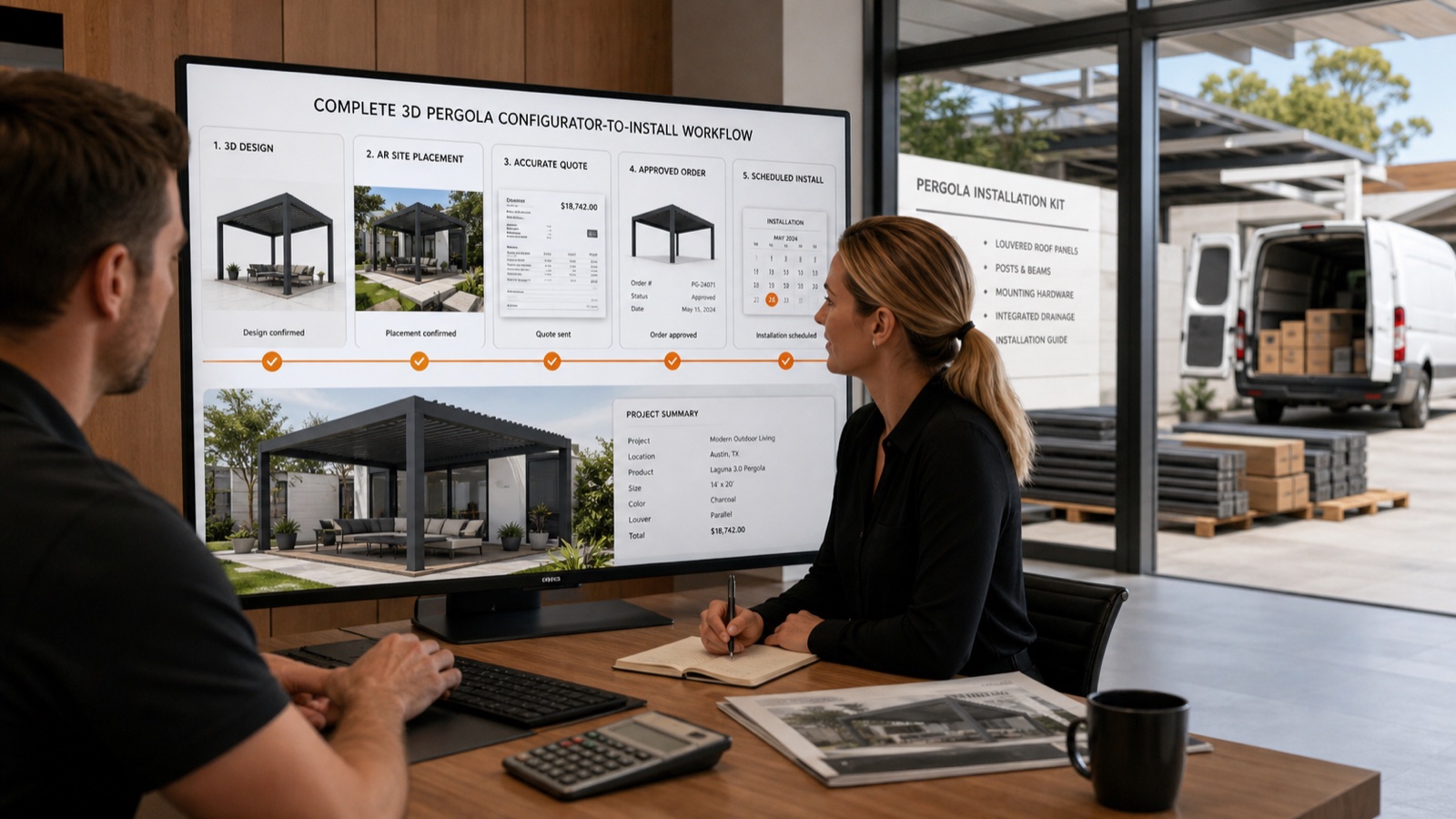
Instant 3D-to-Install Workflow: AR Preview, Branded PDFs & Scheduling
Turn a lead into a signed install in hours—not days. This guide shows outdoor-product installers how Configurix uses real-time 3D + AR, automatic pricing and branded PDF quotes to close pergola, awning and AC jobs end-to-end.
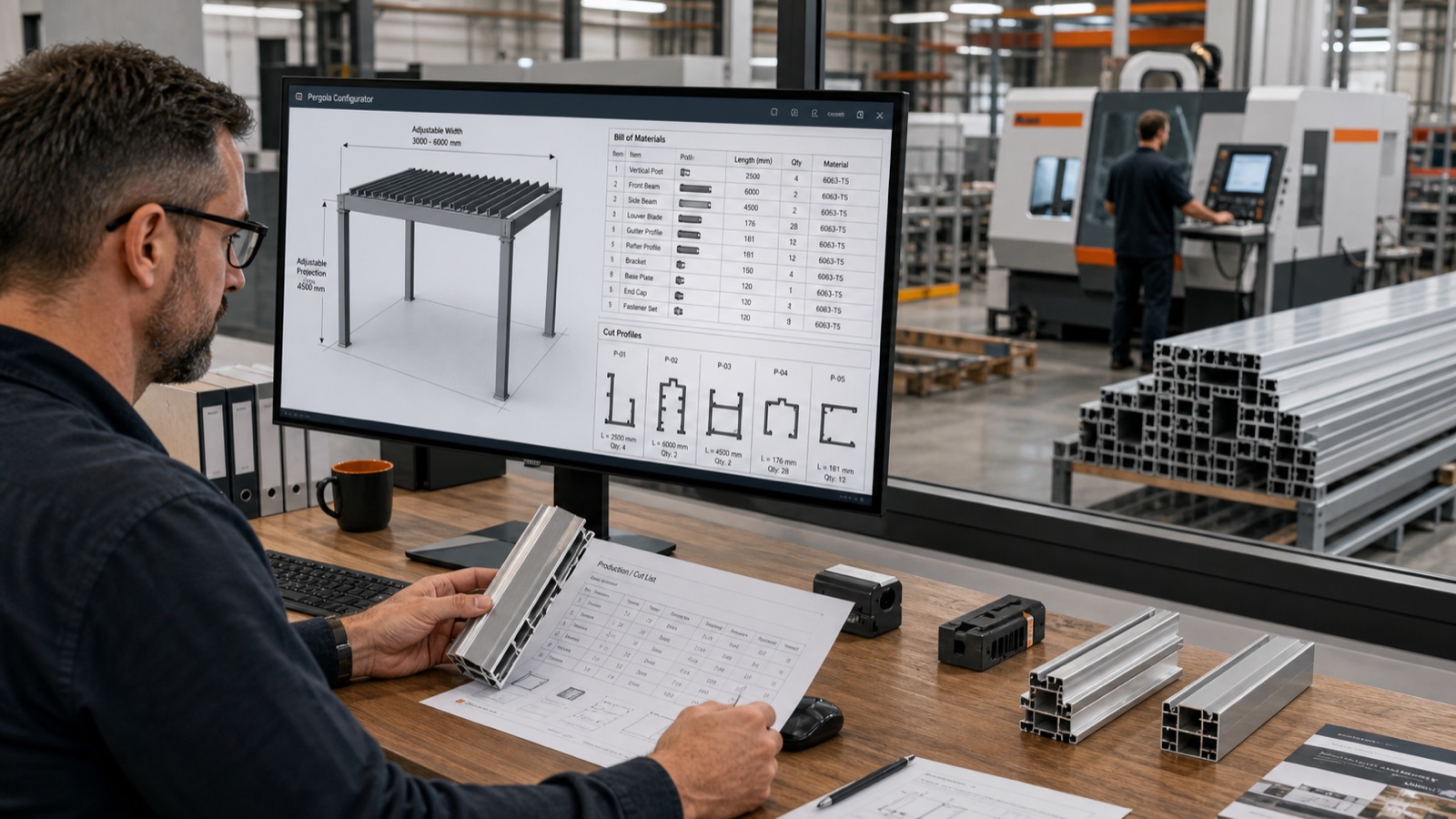
Parametric Configurators: Eliminating BOM Errors from Quote to Factory
How parametric configurators turn pergola, veranda and awning quotes into factory-ready BOMs — reducing errors, rework and lead time. Learn the workflow, metrics, and why Configurix is purpose-built to deliver it.