
Explain pergola upgrades with 3D and itemised quotes
Help buyers compare compatible pergola glass, screens, lighting and controls with visual configuration and clear pricing in Configurix.
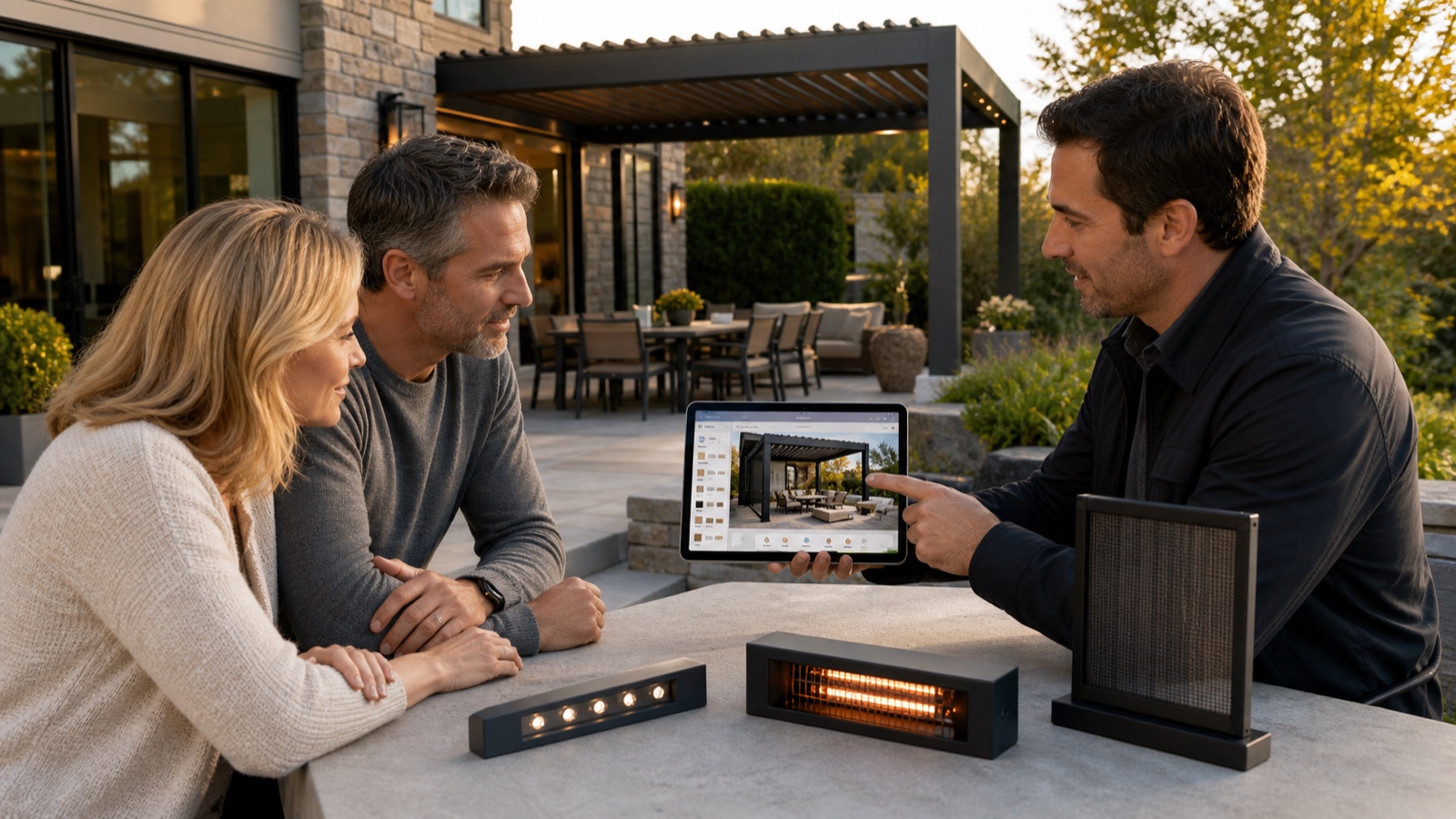
Table of contents
An upgrade is easier to evaluate when the buyer can see how it changes the pergola, what it costs and whether it fits the selected product. A useful consultation connects those three questions rather than presenting a long accessory list.
Start with the buyer's intended use
Ask how the space will be used and which problems matter: privacy, access, evening use, shade or enclosure. Show the options relevant to that brief. An accessory that increases the quote without meeting a need can create confusion rather than value.
Keep site constraints separate from product compatibility. A permitted heater or motor package may still require an electrical review or additional installation work.
Show one meaningful change at a time
Use the 3D view to compare the baseline product with a compatible upgrade. Explain the changed glass layout, screen position, lighting arrangement or roof control before moving to the next choice.
Configurix can represent product choices using the manufacturer's catalog rules. Those rules should control available dimensions, accessory combinations and the selected finish rather than allowing options your team cannot supply together.
Make the price difference understandable
Show the upgraded configuration and the corresponding price change. Clarify whether the figure includes delivery, installation, electrical work and tax. A branded itemised quote should describe the option the buyer actually saw.
For glass and ZIP screens, check openings, usable access and the compatibility of each side. For lighting and controls, check supported roof zones, motors and accessory dependencies. Save the configurations the buyer wants to compare so the sales team can continue the same conversation.
Use AR where it helps the decision
If AR is included in the implementation and supported on the device, use it to explain placement and scale. Check placement behaviour and model dimensions. Continue to use the survey and manufacturer's approval process for the actual installation.
Track informed choices, not assumed sales lifts
Measure which options were shown, selected, quoted and accepted. Review why buyers declined an option and whether the price explanation was complete. Attachment rates vary by product, customer need and sales channel; establish a baseline from your own projects.
Explore Configurix for pergola sales or book a private demonstration using your upgrade options.
Ready to try Configurix?
See how the configurator, quoting and CRM work together for your business.
Book a demo →Related articles
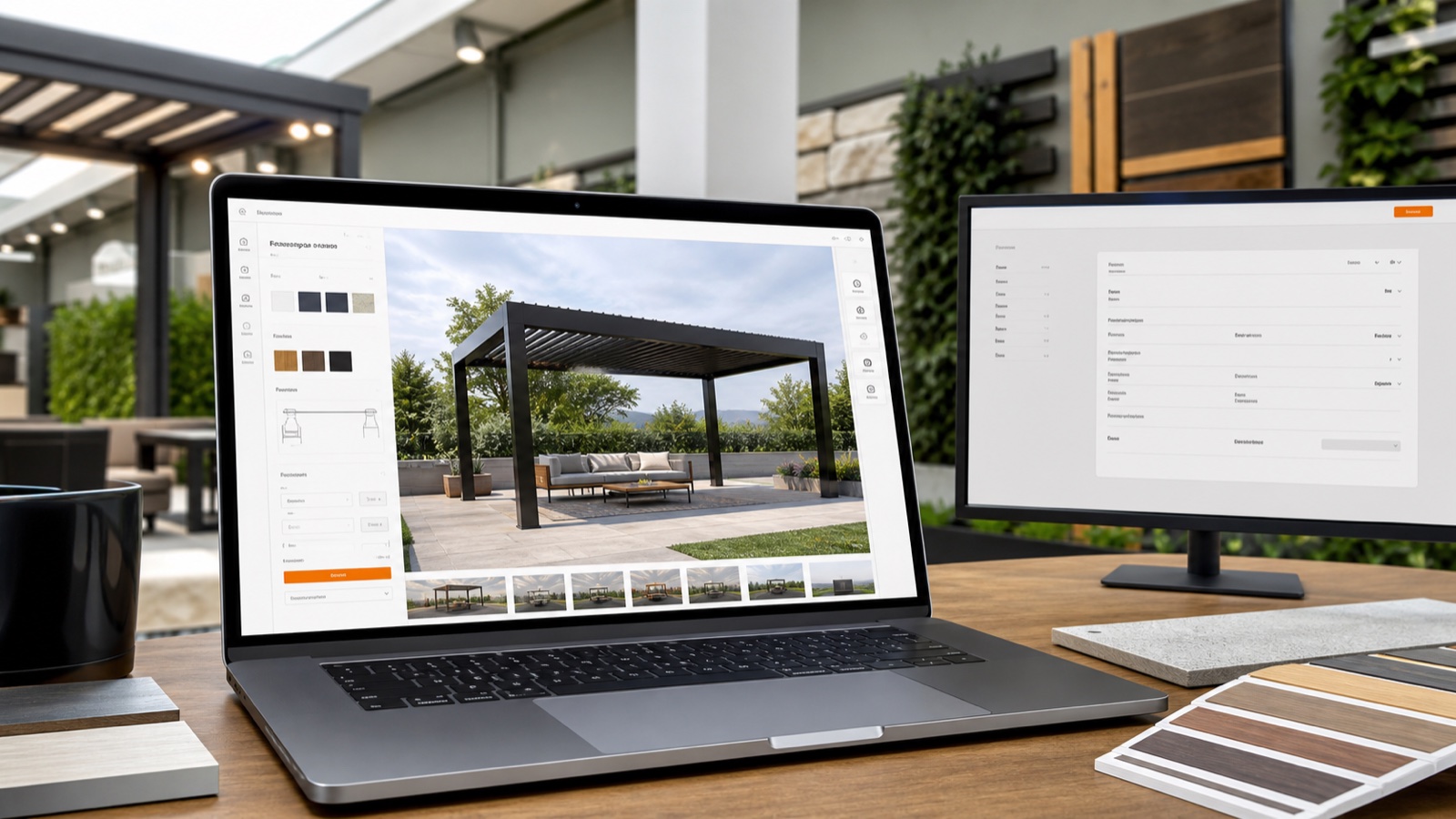
Turn Website Visitors into Install-Ready Leads with 3D + AR Widgets
Turn casual website visitors into qualified, install-ready leads using an embeddable 3D + AR configurator that captures a full specification, generates instant branded quotes, and books installs — all in one platform.
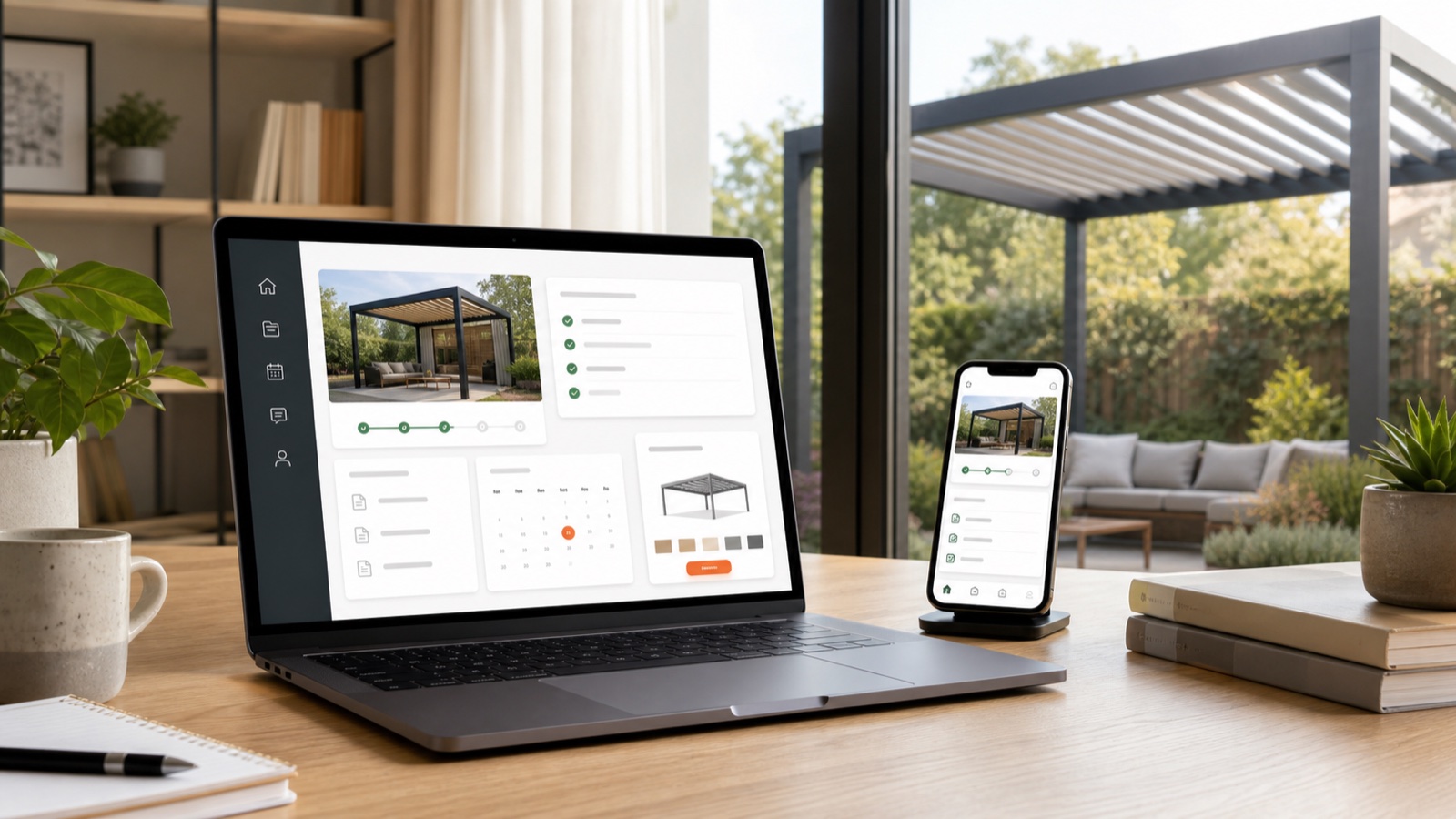
Keep pergola quotes, revisions and customer updates in one portal
Plan a Configurix customer or dealer portal around saved configurations, quote revisions, permissions and the project updates your team can maintain.
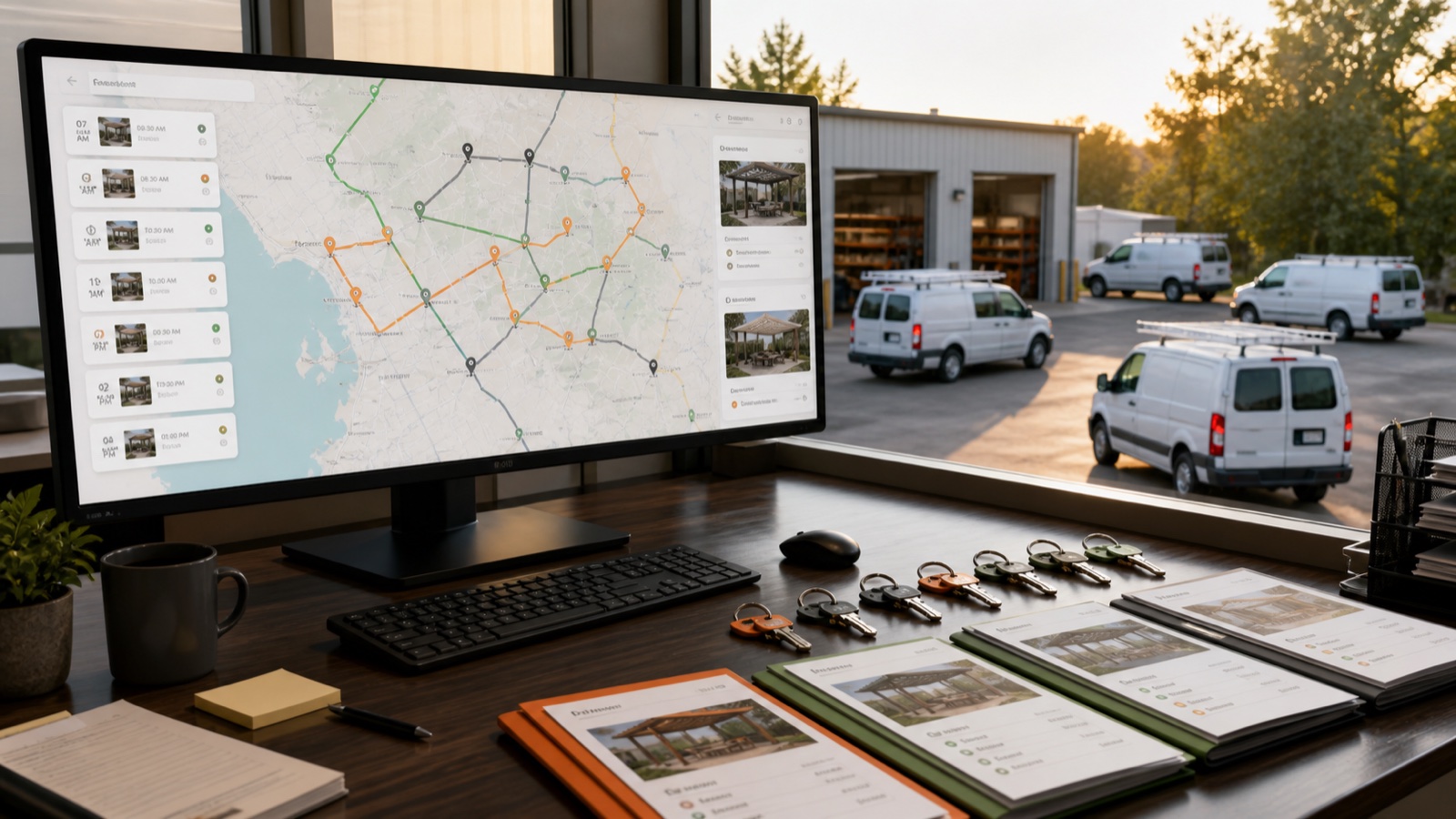
Optimize Installer Routes: Cut Travel Time with Configurix Scheduling
Reduce drive time, increase daily installs and protect margin by routing installer visits directly from 3D/AR configurator leads. Real-time schedules, route optimization and crew dispatch — all in Configurix.
Pergola installation documents from an accepted configuration
Connect accepted pergola dimensions, options, revisions and item identifiers to quotation and installation documents with Configurix.