
Pergola installation documents from an accepted configuration
Connect accepted pergola dimensions, options, revisions and item identifiers to quotation and installation documents with Configurix.
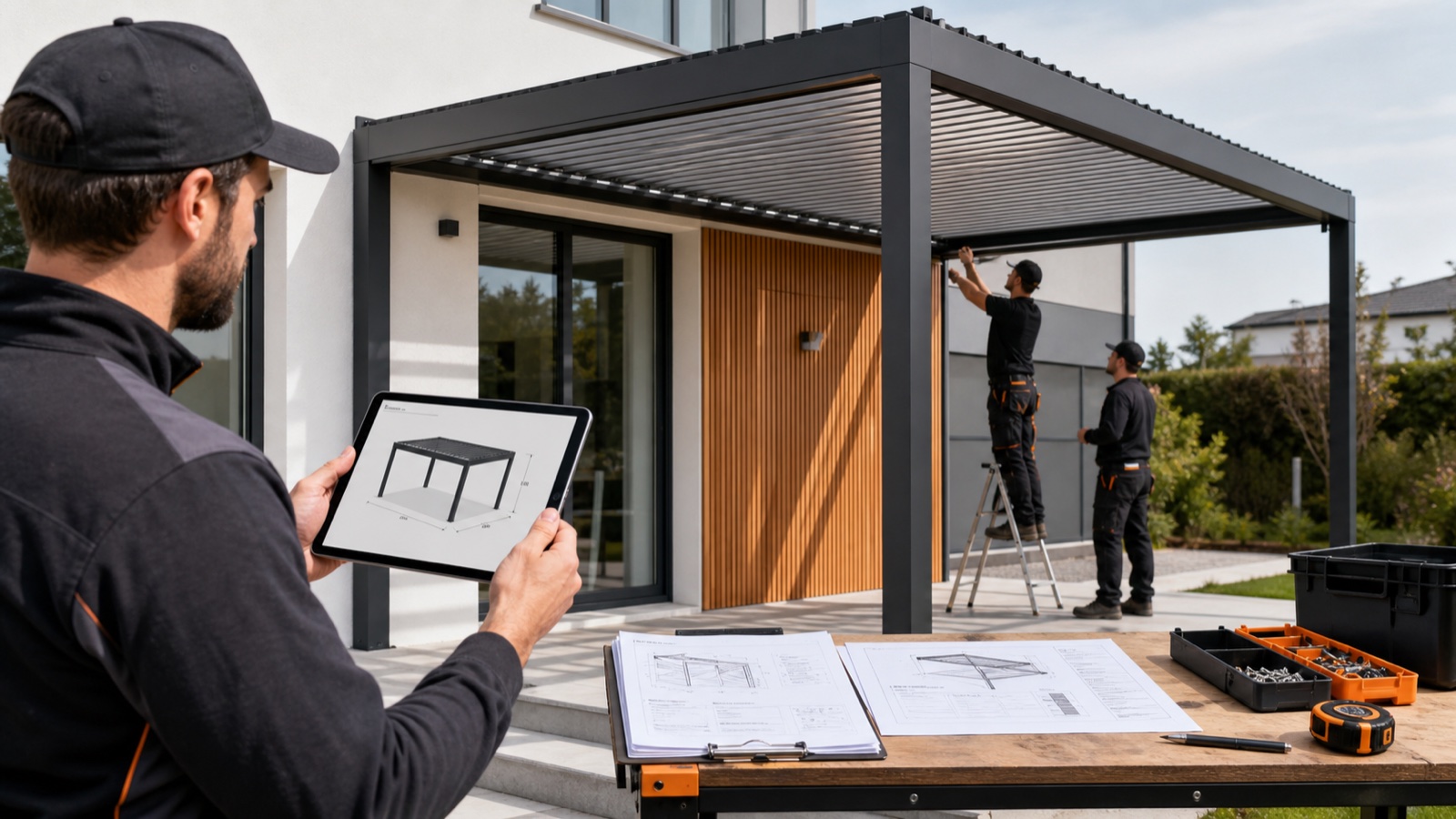
Table of contents
An installation team needs the product that was agreed, not a mixture of earlier drawings, quote revisions and informal messages. Connecting documents to one accepted configuration makes that handoff easier to review.
Configurix can connect pergola choices, pricing and branded quotations. Installation and production outputs are specified around the manufacturer's product data and the documents each team needs.
Define the installation record
Agree the information your crew requires before building a document template. Typical fields include project address, product family, configuration revision, dimensions, mounting arrangement, finish, roof system, side elements and accessories.
Keep installation-specific inputs with the project: survey measurements, access notes, photographs approved for that purpose and outstanding site questions. These inputs need an owner and a review step; they cannot be inferred reliably from a product render.
Keep quotation and installation revisions connected
Identify which configuration produced each quote and drawing. If the buyer changes the roof, glass layout or finish, record the change, update the affected documents and review the result before passing it to operations.
A practical handoff contains:
- The accepted configuration and its revision identifier.
- A product view showing the selected arrangement.
- Dimensions and item descriptions consistent with the quote.
- Site information and work included in the agreed scope.
- The approval status, responsible team and unresolved questions.
Specify BOM and factory outputs separately
A bill of materials requires component mappings, quantities and SKU rules. Cut lists, CAD and CNC outputs also require the conventions of the product and receiving factory equipment. Test those outputs against representative products and obtain the manufacturer's acceptance before production use.
Generating a document is not the same as validating its contents. Check revisions, quantities and dimensions, including configurations near product limits and projects with several accessories.
Measure the handoff you actually improved
Record missing-information requests, document corrections and rework causes before and after adoption. Compare similar projects and distinguish documentation problems from changes in site conditions. The benefit should be demonstrated by your records, not an assumed percentage reduction.
See the owner-approved Elite Aluminum and Tenteks Italia implementation projects, review pergola configuration software, or bring your installation documents to a private walkthrough.
Ready to try Configurix?
See how the configurator, quoting and CRM work together for your business.
Book a demo →Related articles
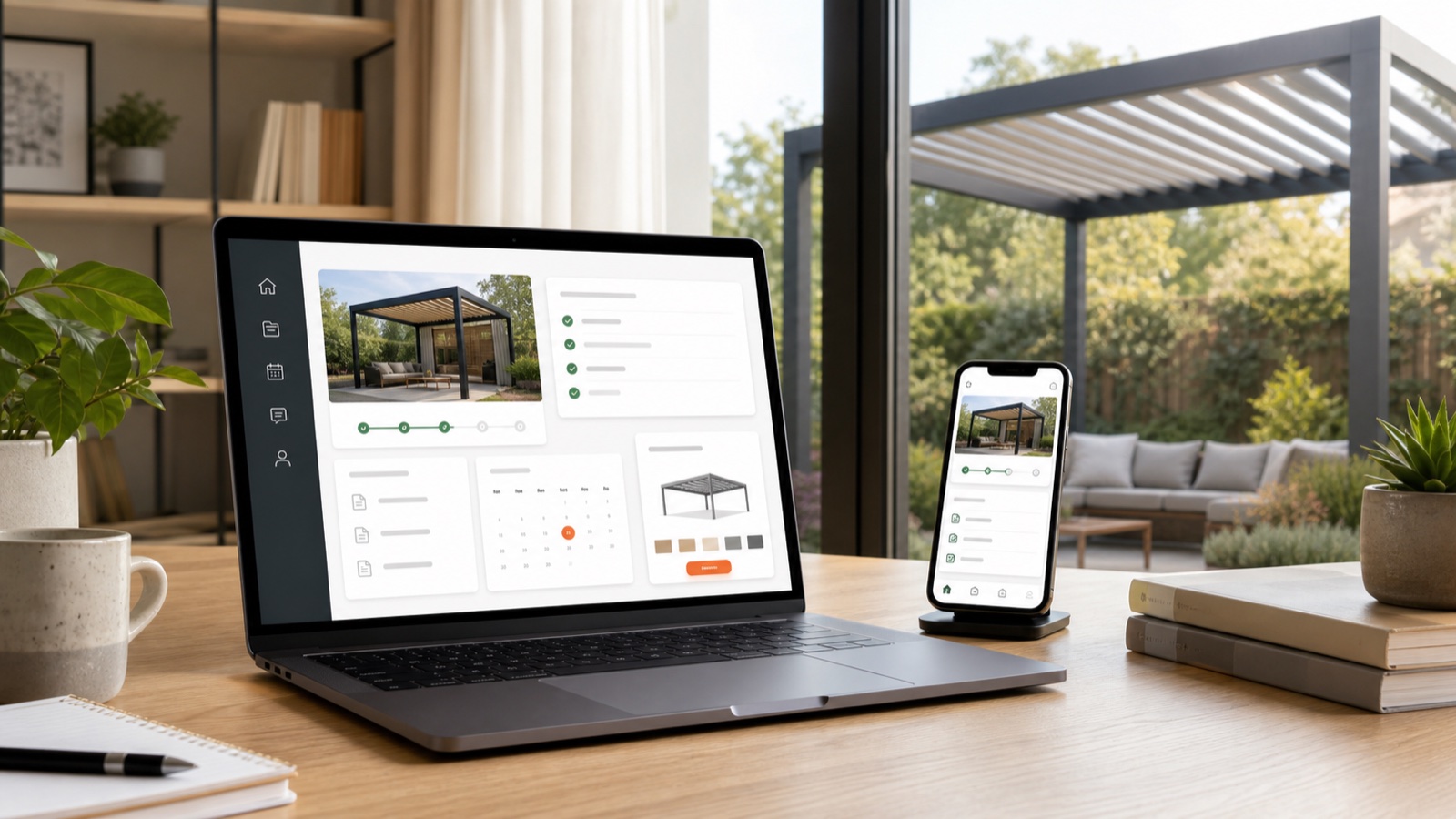
Keep pergola quotes, revisions and customer updates in one portal
Plan a Configurix customer or dealer portal around saved configurations, quote revisions, permissions and the project updates your team can maintain.

Close Pergola Deals Faster with 3D Quotes, E‑Sign & Auto‑Scheduling
Turn site visits into signed pergola contracts: use real‑time 3D + AR previews, instant branded PDF quotes with digital signing, automatic pricing and one‑click scheduling to move from lead to install in a single workflow.
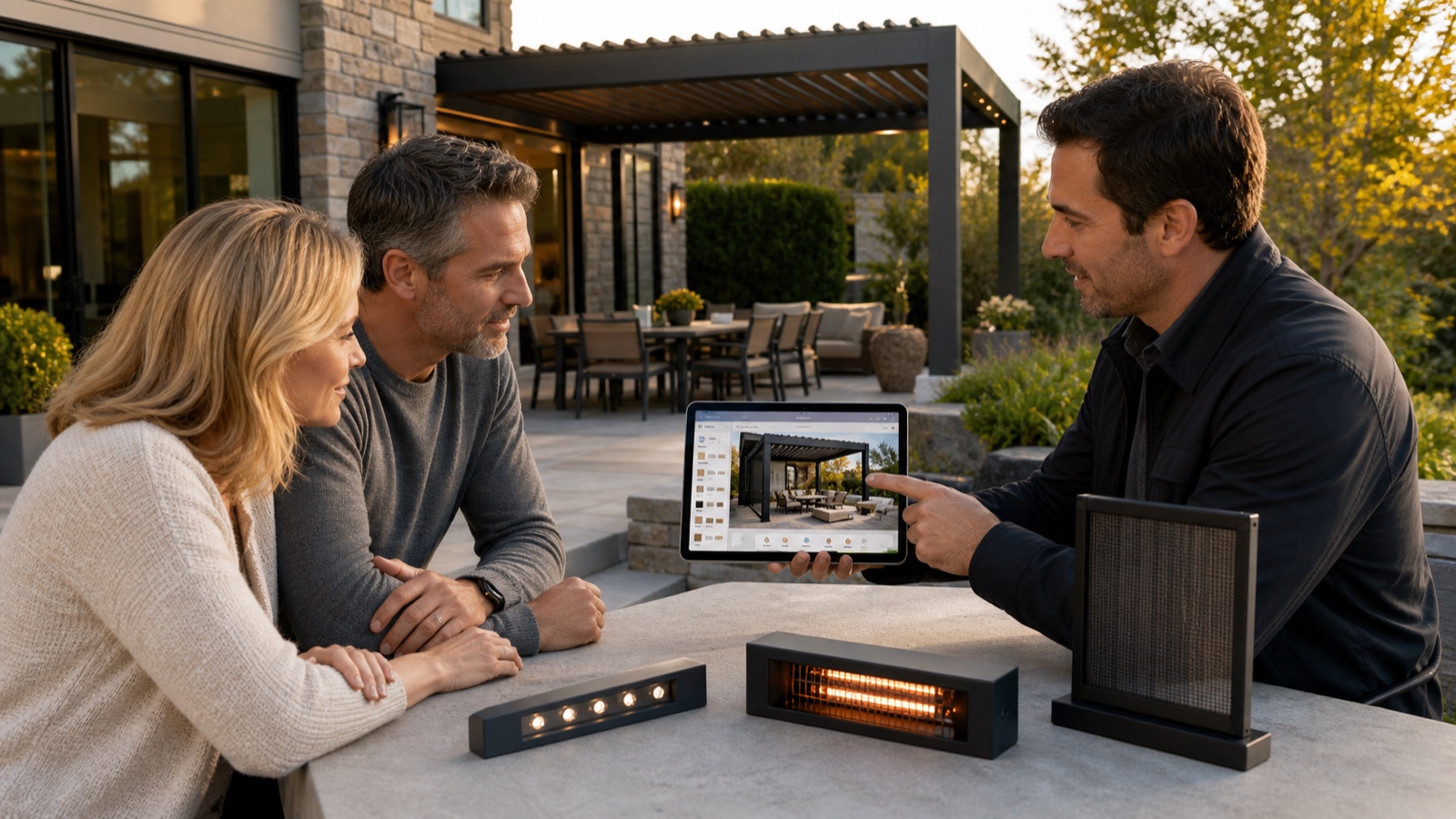
Explain pergola upgrades with 3D and itemised quotes
Help buyers compare compatible pergola glass, screens, lighting and controls with visual configuration and clear pricing in Configurix.
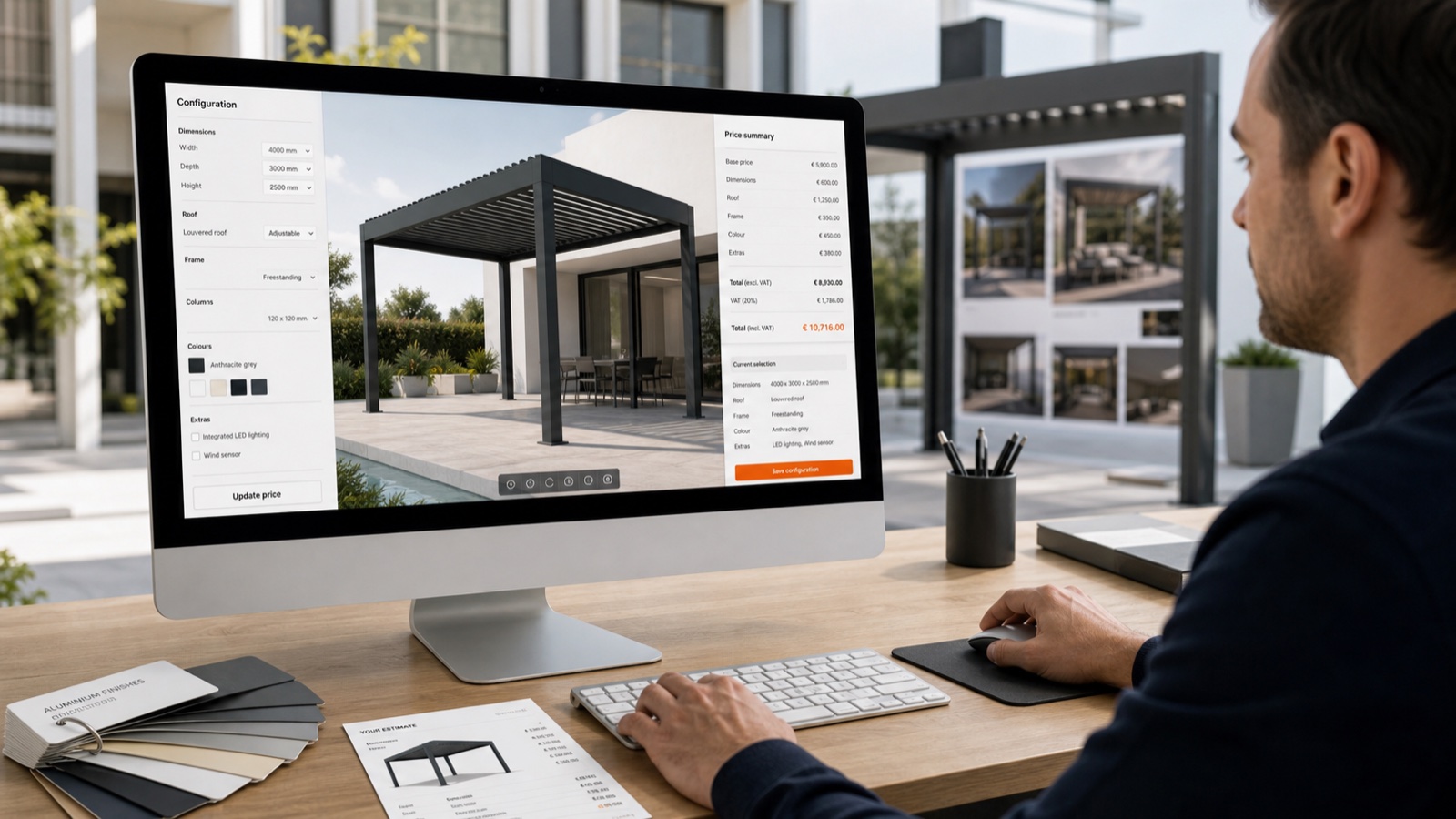
Automatic Pricing in 3D Pergola Configurators: Protect Margin Fast
How automatic pricing inside a real-time 3D/AR pergola configurator prevents margin erosion, speeds quote-to-signature, and turns leads into scheduled installs — an end-to-end Configurix workflow.