
Keep pergola quotes, revisions and customer updates in one portal
Plan a Configurix customer or dealer portal around saved configurations, quote revisions, permissions and the project updates your team can maintain.
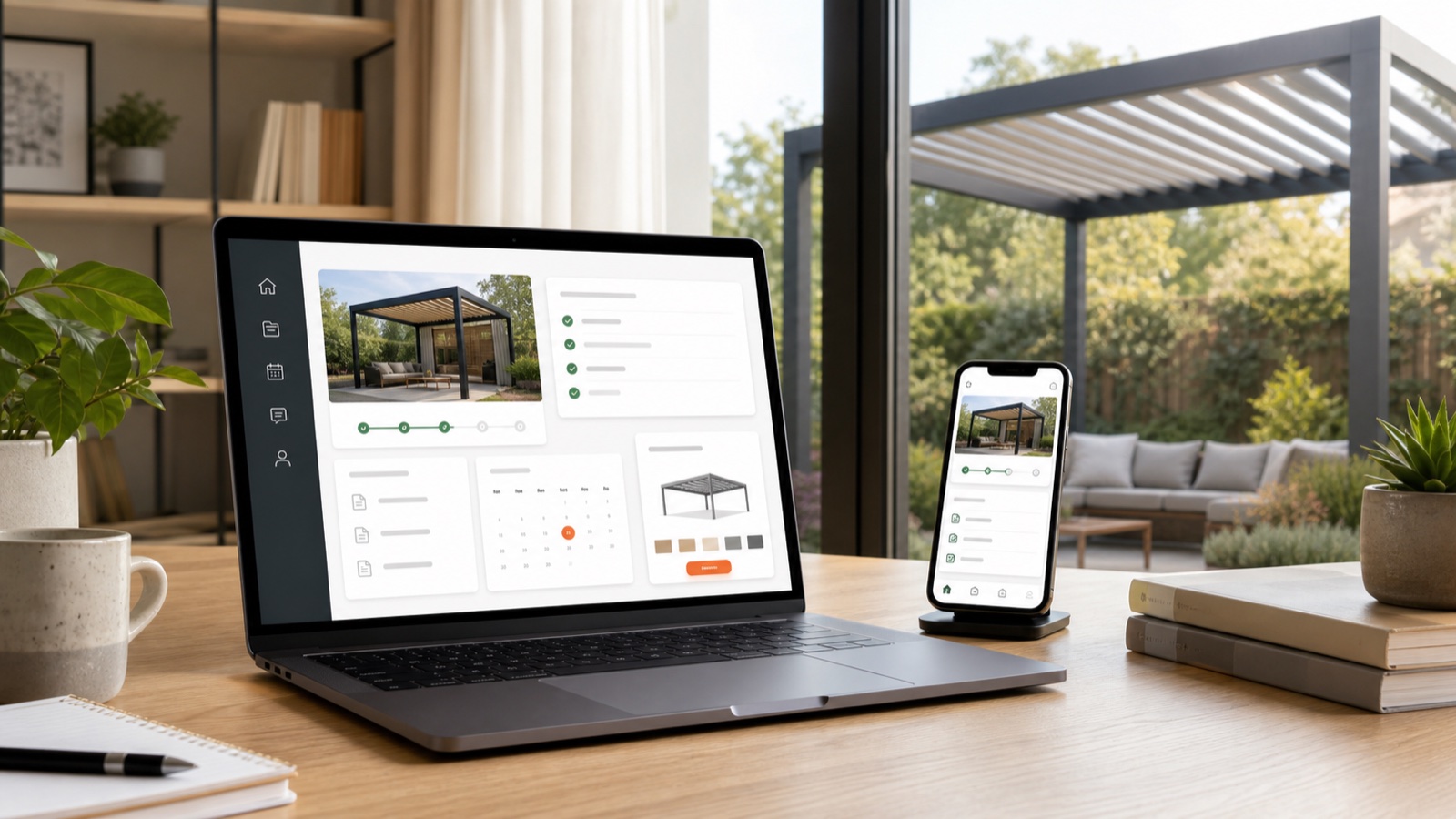
Table of contents
A customer portal is useful when it gives buyers reliable information about their own project. For configurable products, that starts with preserving the product choices and quote revision rather than merely adding a login to the website.
Configurix can be scoped around customer, showroom and dealer journeys. The portal's information, permissions and connections should reflect the way your team actually sells and delivers products.
Give the buyer one identifiable project
Connect the saved configuration to its product choices, quotation and revision. A customer viewing an older document should not mistake it for the current offer. Show the status your team maintains and the next action required from the buyer or sales team.
Decide which changes the customer can make directly and which require a consultant. A change to dimensions or accessories can affect price, approvals and downstream documents; it should not silently alter an accepted order.
Design permissions around real roles
Customers, dealers, sales consultants and operations staff need different access. Define which catalog and prices apply, who can issue a quote and who can view project documents. Test the separation between customer accounts and dealer accounts with representative users.
Branding, supported languages and document templates are part of the implementation scope. Security and access requirements need explicit acceptance tests rather than assumptions based on the appearance of the portal.
Publish only updates your team can maintain
Choose the project events that will be updated manually and those that need a system connection. Order acceptance, survey scheduling and delivery information may come from different teams or applications.
For each integration, specify the source of truth, record identifiers, update trigger and error handling. A failed synchronization should be visible to the responsible team rather than leaving the customer with an apparently current but outdated status.
Evaluate usefulness with real enquiries
Classify support requests before and after rollout: quote clarification, revision questions, scheduling, delivery and service. Track whether customers find the information they need and whether unresolved requests still reach a person.
A portal does not establish a fixed reduction in calls or a guaranteed increase in repeat purchases. Measure those outcomes from comparable project records and use the results to improve the workflow.
Review the Configurix customer implementation projects, plan your system integrations, or book a private portal demonstration.
Ready to try Configurix?
See how the configurator, quoting and CRM work together for your business.
Book a demo →Related articles
Explain pergola upgrades with 3D and itemised quotes
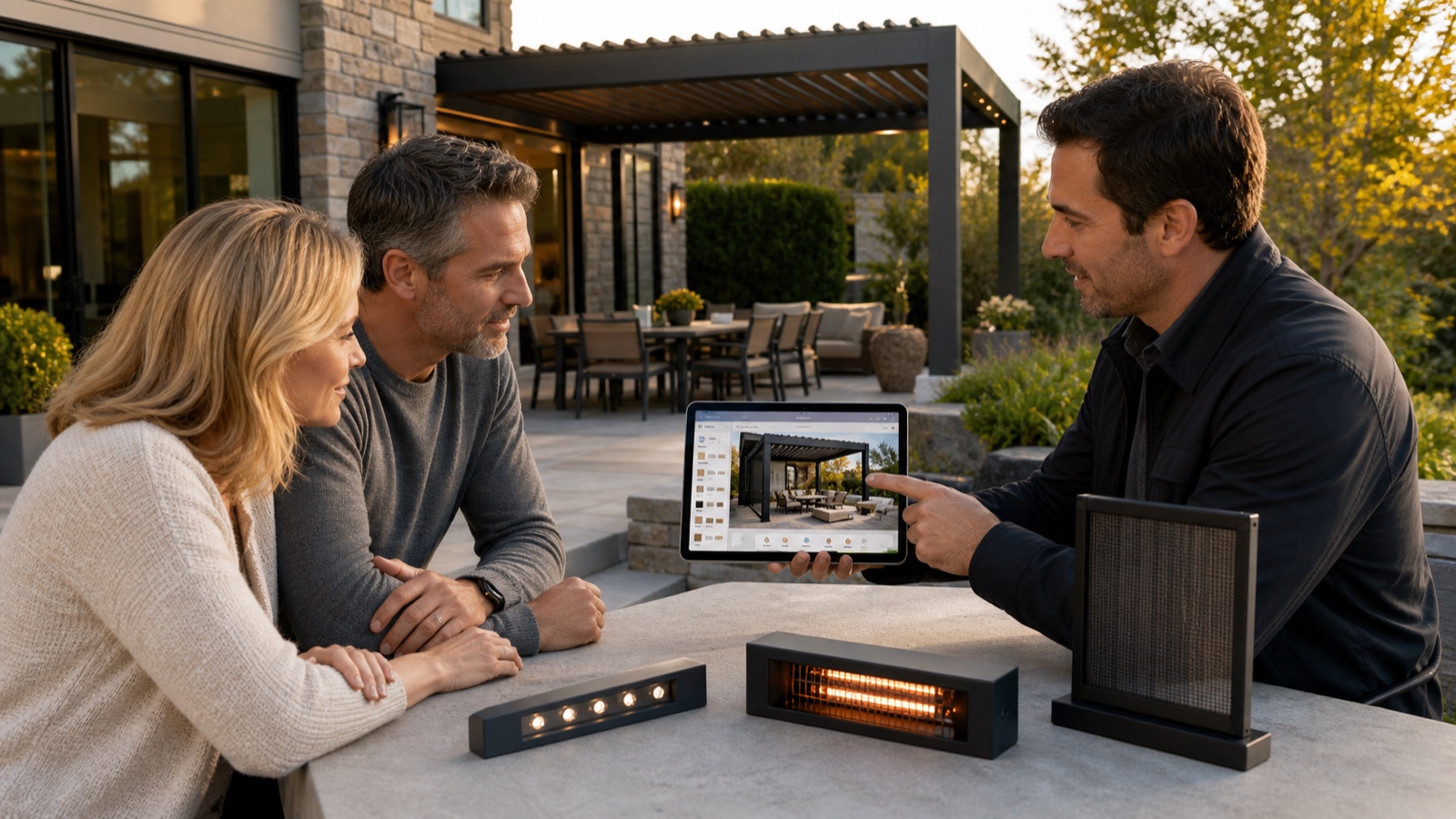
Help buyers compare compatible pergola glass, screens, lighting and controls with visual configuration and clear pricing in Configurix.
Pergola installation documents from an accepted configuration
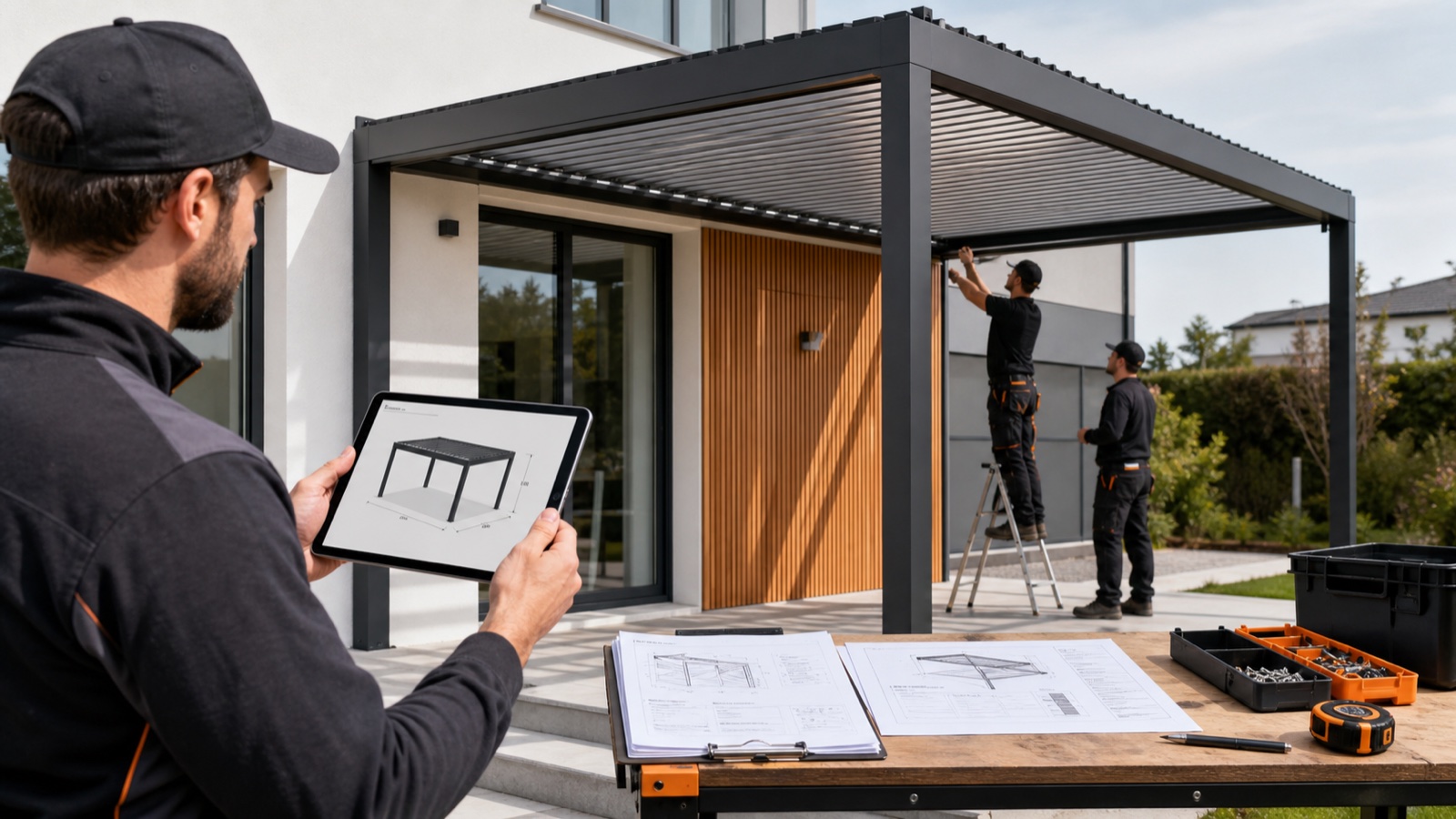
Connect accepted pergola dimensions, options, revisions and item identifiers to quotation and installation documents with Configurix.
Turn Website Visitors into Install-Ready Leads with 3D + AR Widgets
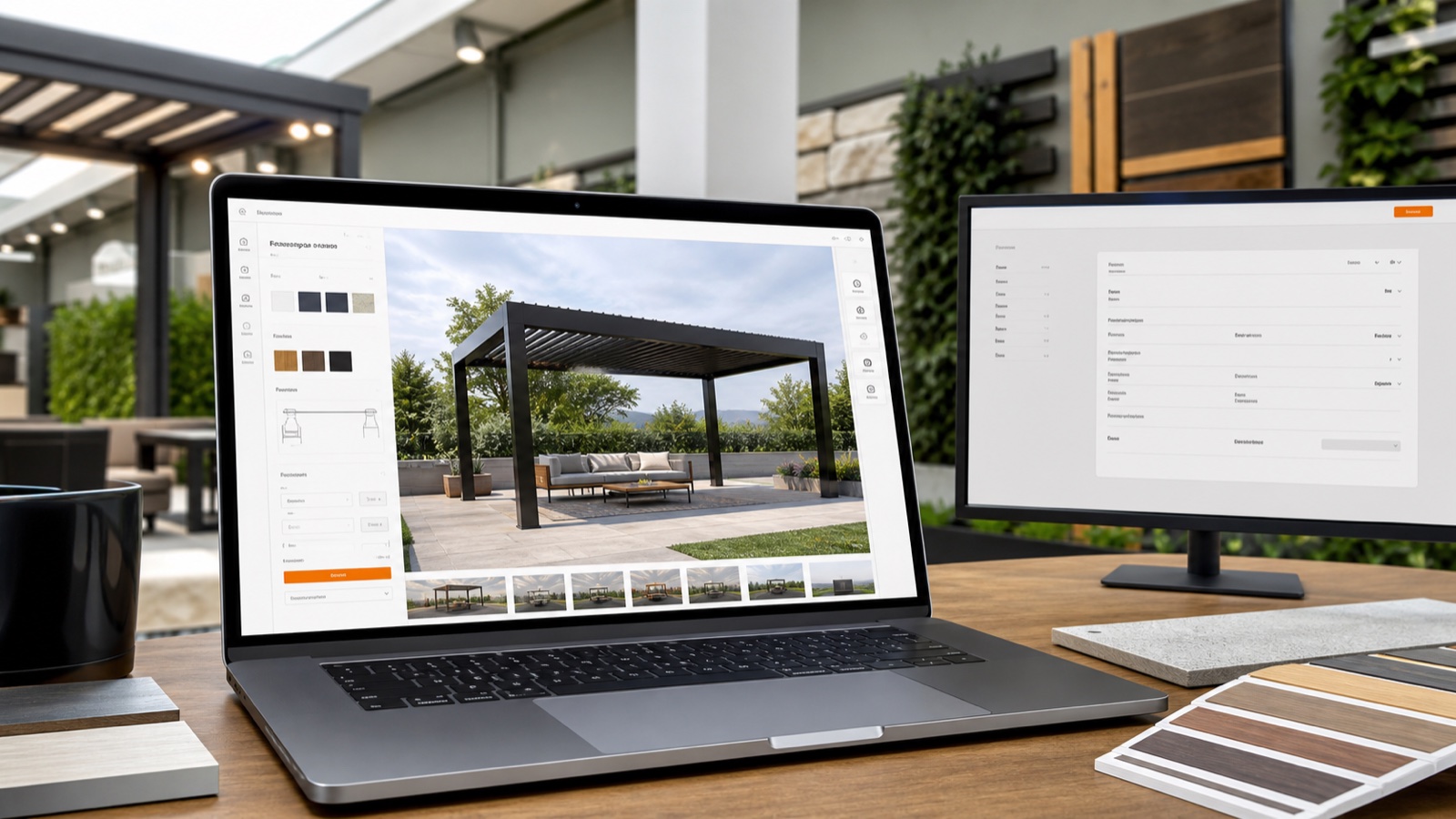
Turn casual website visitors into qualified, install-ready leads using an embeddable 3D + AR configurator that captures a full specification, generates instant branded quotes, and books installs — all in one platform.

Close Pergola Deals Faster with 3D Quotes, E‑Sign & Auto‑Scheduling
Turn site visits into signed pergola contracts: use real‑time 3D + AR previews, instant branded PDF quotes with digital signing, automatic pricing and one‑click scheduling to move from lead to install in a single workflow.